

Xero Data Cleanup: Clean, Reconcile, and Comply
Messy financial data costs small business owners time, money, and peace of mind. Inaccurate records lead to poor decisions, missed deductions, and compliance headaches that could have been prevented.
Xero data cleanup is the foundation of reliable accounting. By systematically cleaning, reconciling, and organizing your financial records, you’ll gain confidence in your numbers and stay audit-ready year-round.
Why Data Matters in Xero
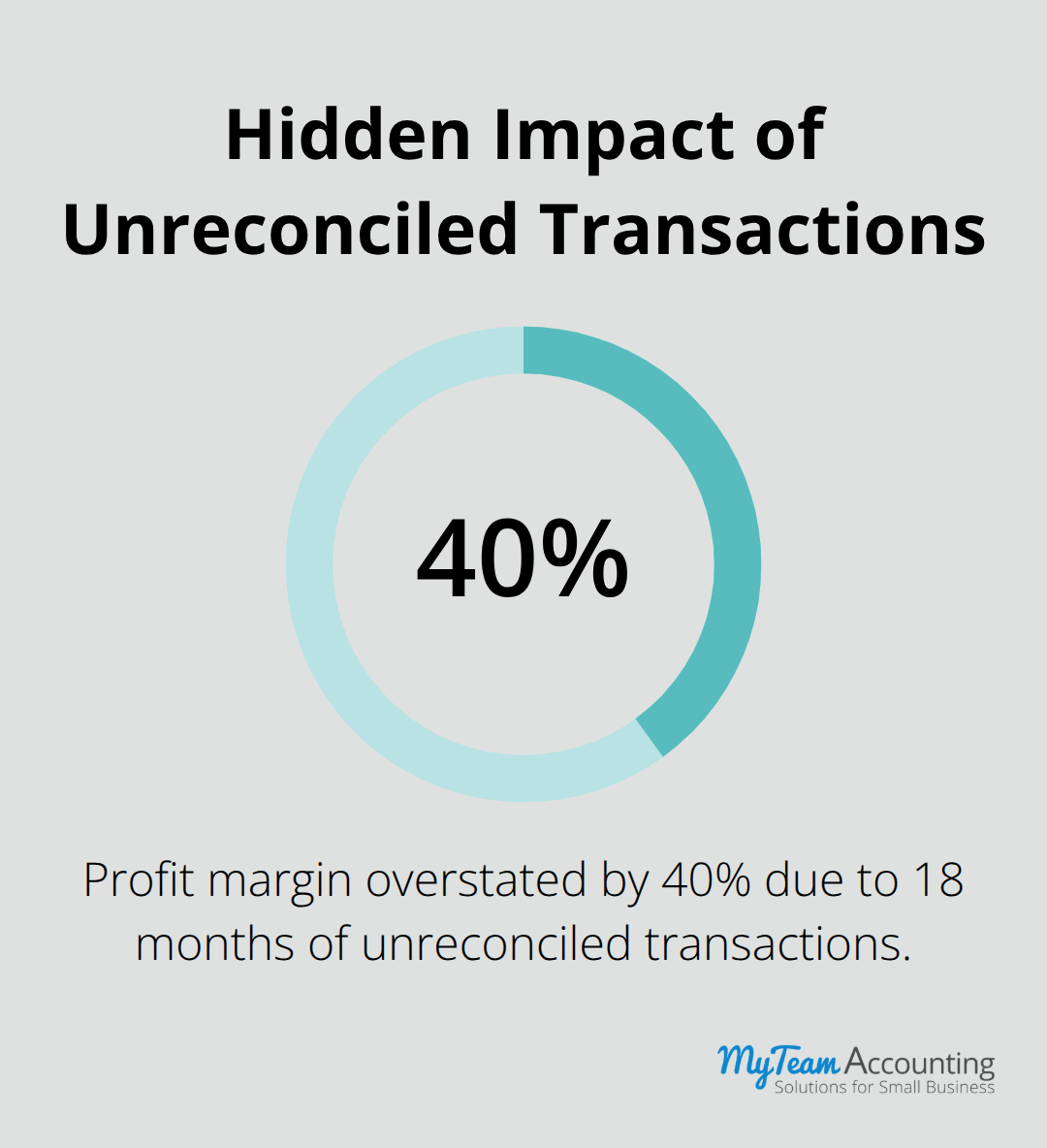
Dirty data in Xero doesn’t just clutter your screen-it actively sabotages your business decisions. Duplicate customer records destroy visibility into actual customer profitability. Accounts containing old, unreconciled transactions distort your balance sheet. Small business owners who skip cleanup often make strategic decisions based on incomplete or contradictory information. One client discovered their apparent profit margin was actually 40 percent lower than reported after uncovering 18 months of unreconciled transactions, forcing an emergency expense audit that consumed three weeks.
Errors and Duplicates Undermine Financial Accuracy
Errors and duplicates spread across your entire Xero system like cracks in a foundation. Duplicate vendor records scatter invoice payments across multiple accounts, making it impossible to negotiate better terms or identify which suppliers drain your cash flow. Duplicate customer records split sales history, destroying your ability to recognize your best customers or spot payment patterns. The cost of ignoring this extends far beyond embarrassment-tax authorities expect reconciled, accurate records. When an audit surfaces discrepancies between your Xero data and bank statements, you face penalties, interest charges, and the burden of proving your numbers represent honest mistakes rather than deliberate misstatement. Xero’s reconciliation tools exist specifically to catch these gaps, but they only work if you use them consistently and investigate discrepancies rather than dismiss them.
Compliance Requires Documented Proof
Tax compliance demands more than filing a return-it requires documented proof your numbers are correct. Regulatory bodies in most jurisdictions expect businesses to maintain reconciled records (showing how Xero balances match actual bank and credit card statements). Many small business owners assume cleanup happens once, then you move forward. The reality is harsher: compliance demands ongoing reconciliation on a monthly schedule, not an annual scramble. Clean data also accelerates tax preparation significantly, eliminating the frantic weeks where accountants search through transactions for errors your bookkeeper missed.
Reliable Data Drives Better Business Decisions
Accurate financial records transform how you run your business. When you trust your numbers, you make decisions based on reality rather than guesswork. You identify which products generate the highest margins, which customers pay reliably, and where cash flow actually tightens. Clean data reveals patterns that guide pricing, hiring, and investment decisions. These insights separate thriving businesses from those that stumble through uncertainty. Your next step involves understanding exactly how to clean and reconcile your Xero data systematically.
How to Clean and Reconcile Your Xero Data
Audit Your Chart of Accounts
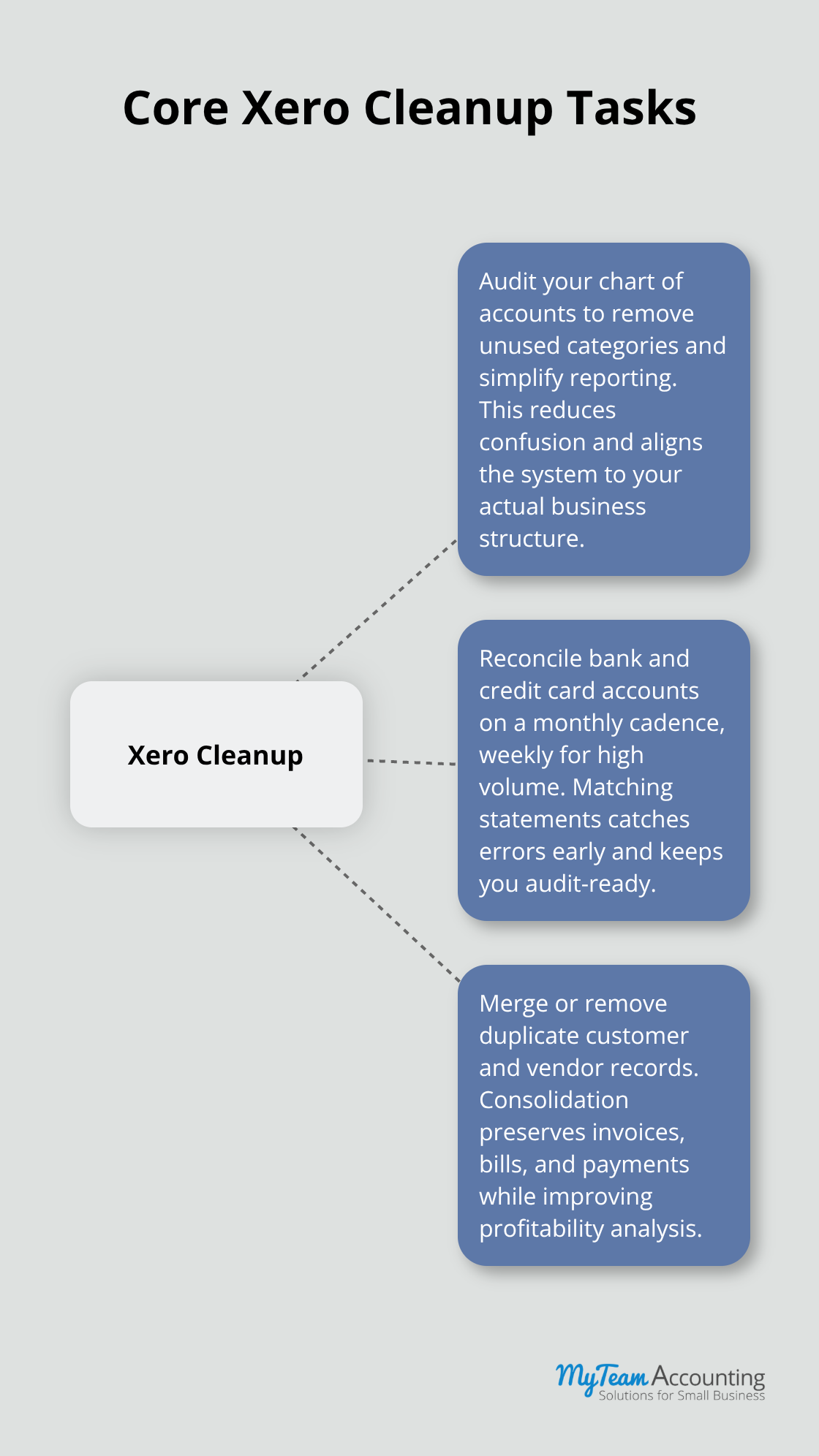
Start with your chart of accounts because this is where most cleanup projects fail. Open your Xero chart of accounts and honestly assess which categories you actually use. Many small business owners inherit bloated account structures from their previous bookkeeper or accountant, carrying forward 40+ accounts when they genuinely need 15. Unused accounts create decision paralysis when you categorize transactions and make financial reporting unnecessarily complex. Delete or archive accounts that haven’t seen activity in 24 months. If you’re uncertain whether an account matters, search its transaction history in Xero first. Accounts with zero balances and no transactions in the past two years should be removed immediately. This single step eliminates confusion and forces you to think critically about your actual business structure.
Reconcile Bank Accounts and Credit Card Statements
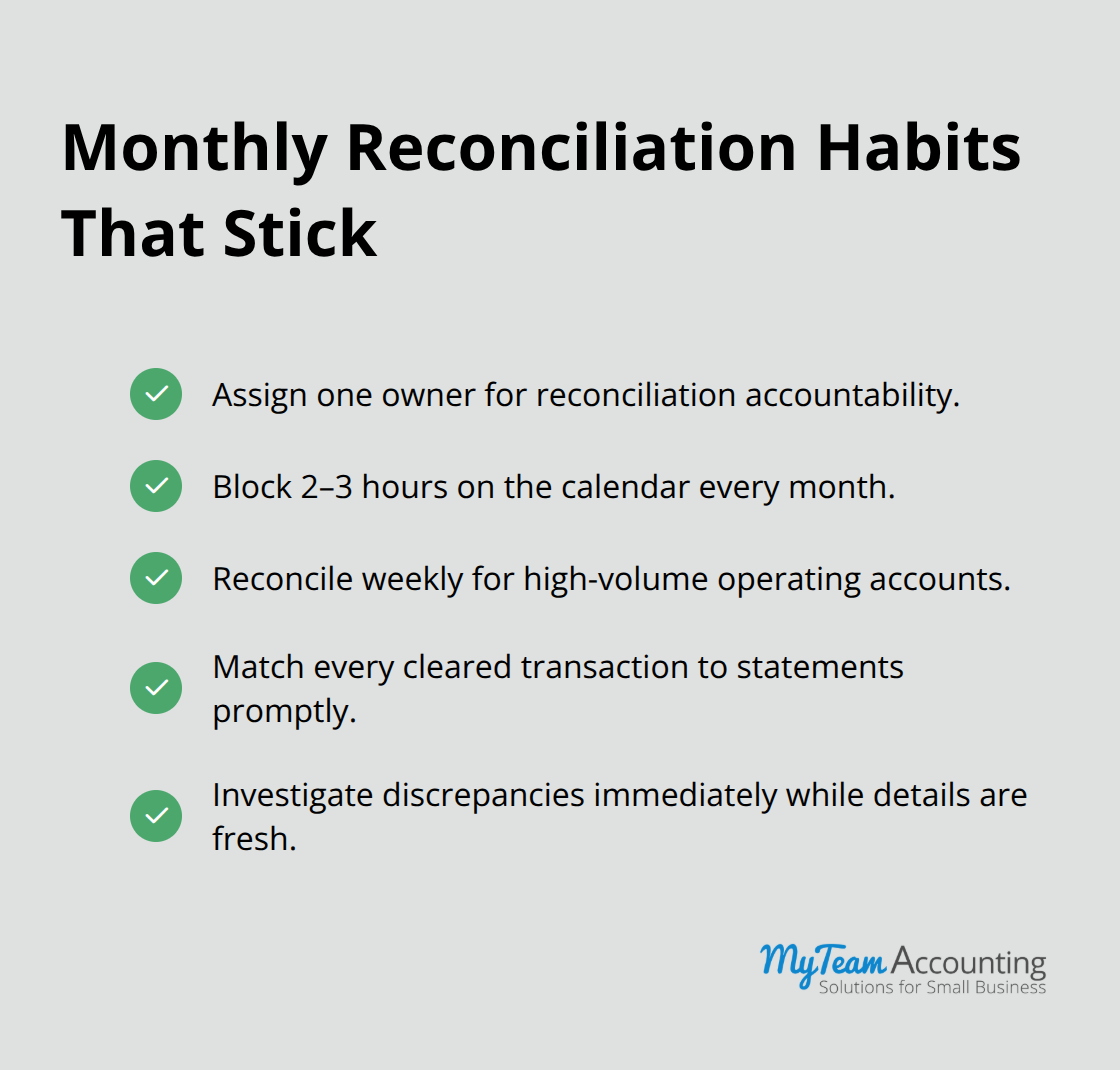
Tackle your reconciliation process systematically rather than attempting everything at once. You should reconcile bank accounts at least once a month, though weekly reconciliation is even better for catching errors early. Open your bank statement and Xero’s bank reconciliation tool side by side. Match every cleared transaction and investigate any discrepancies immediately while details are fresh. Unreconciled credit card statements create the same damage as unreconciled bank accounts, so treat them identically. If your previous bookkeeper left 18 months of unreconciled transactions, start with the most recent month and work backward. This prevents you from inheriting problems indefinitely. The reconciliation process typically reveals duplicate transactions, timing differences, or unreported fees that need correction.
Clear Out Duplicate Customer and Vendor Records
Customer and vendor records demand ruthless pruning because duplicates sabotage your financial analysis. Search your Xero contacts for variations like John Smith, J. Smith, or john.smith to surface duplicates you might miss. When you consolidate duplicate customer records, select them using checkboxes, click Merge, choose the master contact to keep, and confirm. If a vendor or customer hasn’t been active for two years and carries zero balance, delete the record entirely. This reduces your contact list to actionable information rather than historical clutter. When you consolidate duplicates, verify that all associated invoices, bills, and payments transfer correctly to the primary record. Xero allows you to reassign transactions during the merge process, preventing data loss. This cleanup directly improves your ability to analyze customer profitability and vendor payment patterns because your reports reflect current reality instead of fragmented records.
Best Practices for Maintaining Clean Xero Data
Schedule Reconciliation Before Urgency Forces Action
Cleanup work means nothing if your team slides back into chaos within three months. Most small business owners reconcile only when preparing taxes or chasing a discrepancy, which guarantees you’ll discover problems too late to fix them cleanly. Instead, schedule reconciliation for the same day each month. This tight window catches timing differences while they’re fresh and prevents small errors from compounding into major headaches.
Assign one person ownership of reconciliation rather than distributing it across your team, because accountability disappears when everyone shares the task. That person should block two to three hours on their calendar and treat it as non-negotiable, just like payroll processing. If your business processes high transaction volume, weekly reconciliation of your primary operating account takes only 45 minutes and catches fraud or errors immediately rather than waiting 30 days.
Establish Clear Naming Conventions Across Your Team
Naming conventions transform Xero from a system where everyone interprets categories differently into a standardized language your entire team speaks. Without clear rules, one person codes a client lunch as Marketing while another codes an identical expense as Client Entertainment, fragmenting your expense analysis. Create a one-page naming guide that specifies exactly how to categorize common transactions your business encounters, then train every team member on that guide before they enter a single transaction.
For example, specify that all contractor invoices go to Contractor Fees (not scattered across multiple accounts), that equipment under $500 is coded to Office Supplies (not Capitalized Equipment), and that customer refunds reverse the original income category rather than creating a separate Refunds account. Post this guide in your Xero workspace and reference it during onboarding. Enforce naming consistency when your designated reconciler flags incorrectly categorized transactions during monthly reconciliation and sends feedback to the person who entered them. This creates a feedback loop that trains your team through real examples rather than theoretical instruction.
Train Your Team on Proper Data Entry Standards
Many small business owners skip formal training, thinking their team will figure out data entry naturally. This assumption costs hours every month when you recategorize transactions because the original entries make no sense. Develop a data entry standard that covers how your team should handle common scenarios: invoice numbering, customer name formatting, transaction descriptions, and account assignment rules. Your accountant or bookkeeper can help you draft these standards based on your actual business structure, ensuring they match your tax and reporting needs rather than generic best practices that don’t apply to your situation.
Conduct training sessions before new team members enter their first transaction, and reinforce standards quarterly as your business evolves. When you catch data entry errors during reconciliation, use those moments as teaching opportunities rather than simply correcting the mistake. Share the corrected entry with your team and explain why the original categorization created problems for your financial analysis. This approach builds accountability and reduces repeat errors far more effectively than written policies alone.
Final Thoughts
Xero data cleanup transforms your financial records from a source of frustration into a reliable business asset. You’ve learned how to audit your chart of accounts, eliminate duplicates, and reconcile your bank and credit card statements systematically. These foundational steps remove the errors and inconsistencies that undermine decision-making and create compliance risk.
Establish monthly reconciliation schedules, implement clear naming conventions, and train your team on data entry standards to ensure your records stay clean indefinitely rather than deteriorating back into chaos within months. Clean financial data accelerates tax preparation, reduces audit risk, and eliminates the emergency scrambles that consume your time when discrepancies surface unexpectedly. Most importantly, accurate numbers give you confidence to make strategic decisions about pricing, hiring, and investment based on reality rather than guesswork.
Start your cleanup project this week (audit your chart of accounts first, then identify which records need consolidation). Block time on your calendar for monthly reconciliation and assign one person ownership of that process. Xero’s support resources provide detailed guidance for each cleanup task if you need additional help navigating specific features.