
Xero Security and Access: Safeguarding Your Data
Financial data is the backbone of your business, and protecting it requires more than good intentions. Xero security and access controls give you the tools to prevent unauthorized entry, manage permissions precisely, and respond quickly to threats.
This guide walks you through Xero’s built-in protections, shows you how to assign roles effectively, and reveals the vulnerabilities your team needs to watch for. By the end, you’ll have a concrete strategy to lock down your accounts and keep your data safe.
How Xero Protects Your Financial Data
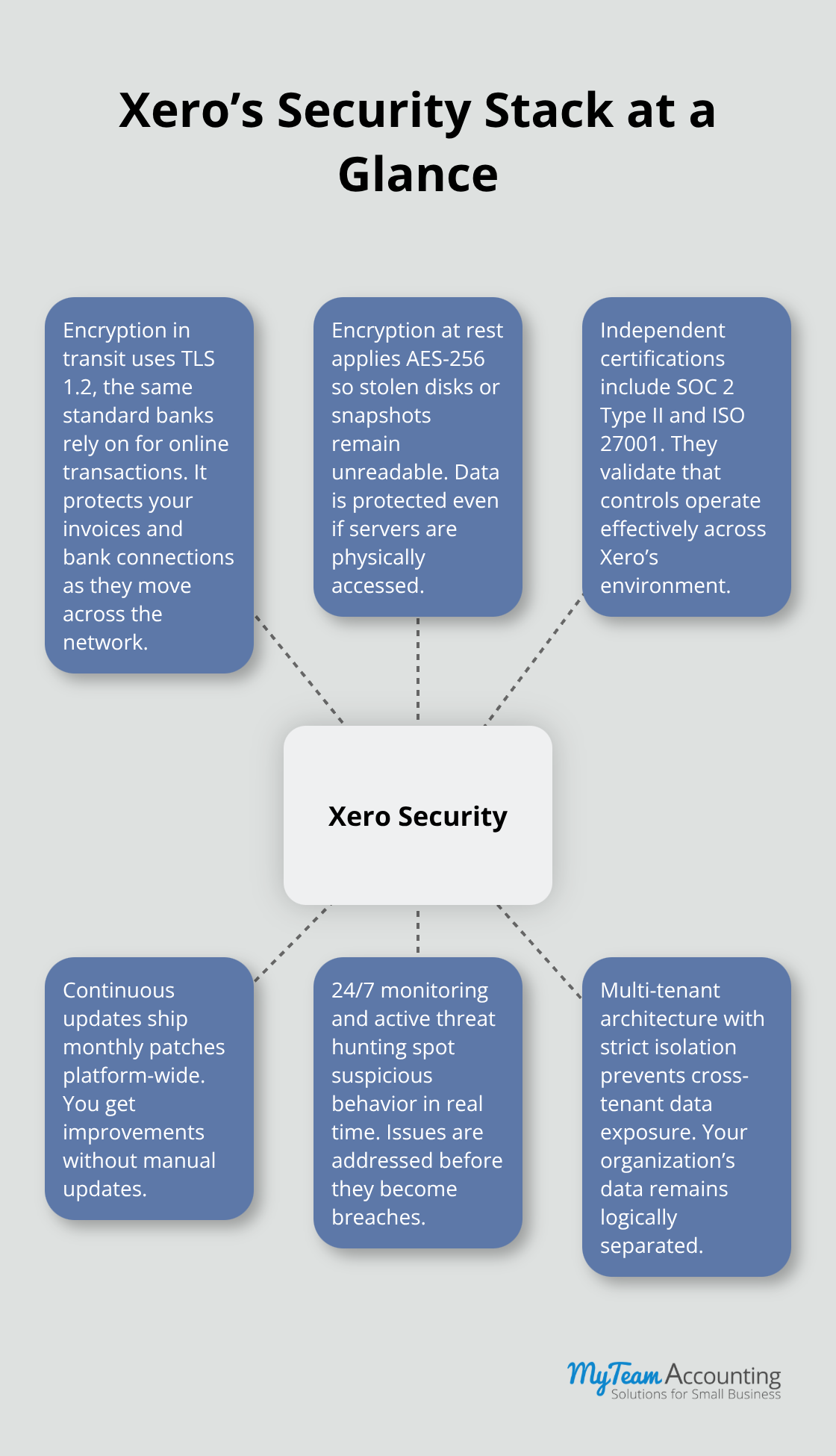
Xero employs multiple security layers rather than relying on a single defense mechanism. The platform encrypts data in transit using TLS 1.2 encryption, the same standard that banks use for online transactions. Data at rest sits behind AES-256 encryption, which means that even if someone physically accessed Xero’s servers, your information would remain unreadable.
Industry Certifications That Matter
Xero maintains SOC 2 Type II compliance, which requires independent audits of their security controls over a period spanning six to 12 months. Third-party auditors verify that Xero actually implements what they claim-this isn’t theoretical compliance. The platform also holds ISO 27001 certification, covering information security management across their entire operation. These certifications matter because they provide documented proof that Xero meets specific security standards, not just marketing promises. When you evaluate whether to trust your financial data to any cloud platform, SOC 2 and ISO 27001 represent the baseline requirements you should demand.
Continuous Security Updates
Xero releases security patches monthly, not annually. Their infrastructure operates on a multi-tenant architecture where your data runs on shared servers with other businesses, yet complete isolation prevents cross-contamination. The platform monitors for vulnerabilities 24/7 using automated threat detection systems that identify suspicious patterns in real time. Xero’s security team actively hunts for weaknesses before attackers find them, rather than waiting for breaches to occur. This proactive approach means your account benefits from security improvements the moment they deploy, without requiring manual updates on your end.
Moving Forward with Access Control
Understanding how Xero protects your data at the infrastructure level forms the foundation of your security strategy. However, encryption and certifications alone cannot prevent unauthorized access from within your own organization. The next step involves controlling who can view, edit, and approve financial information-a responsibility that falls directly on you and your team.
Who Should Access What in Your Xero Account
The All-or-Nothing Trap
Most small business owners set up Xero access wrong on day one. They treat permissions as an all-or-nothing decision: either someone sees everything or nothing. In reality, your bookkeeper needs different permissions than your accountant, who needs different access than your business owner. Xero offers nine core user roles ranging from Advisor to Employee, plus the ability to create custom roles that restrict specific functions. The critical insight is that you should assign the minimum permission required for each person to do their job, nothing more.
Matching Roles to Actual Responsibilities
If your bookkeeper only reconciles bank statements and enters expenses, they do not need approval rights over purchase orders or the ability to delete transactions. Assigning Admin access to everyone because it feels easier creates catastrophic risk: a single compromised password exposes your entire financial system. Start by mapping out what each team member actually does weekly, then match that activity to Xero’s permission levels. Your business accountant who reviews reports monthly should have Read Only access to most areas with approval rights limited to specific workflows. Your payroll processor needs access to payroll and employee records but not bank accounts or supplier data. This deliberate restriction means that if someone’s login credentials get stolen, the damage stays contained to their actual role, not your entire system.
Auditing Access and Removing Permissions
The second critical practice involves auditing access quarterly and removing permissions the moment someone changes roles or leaves your company. Xero’s audit trail logs who accessed what and when, but you must actively review this data rather than assuming your current setup remains correct. When an employee departs, terminate their access within 24 hours, not after their final paycheck processes. Many breaches occur weeks or months after someone leaves because their credentials stay active and unmonitored.

Testing and Validating Current Access Levels
Test your access structure by logging into Xero as each user account quarterly to verify they still need their assigned access level and that their permissions align with their current responsibilities. If you work with external accountants or bookkeepers, grant them time-limited access tied to specific projects or tax seasons rather than permanent Admin rights. This approach reduces exposure without sacrificing the expertise you need during critical periods. The foundation of access control rests on this principle: you decide who sees what, and you verify that decision regularly. With your internal access structure locked down, the next layer of protection involves identifying the external threats your team faces daily.
What Threats Target Your Xero Account Most
Phishing Attacks: The Primary Entry Point
Your Xero setup is only as strong as the weakest entry point your team uses daily. Phishing emails represent the primary attack vector against accounting systems, according to the FBI’s 2024 Internet Crime Report, which found that phishing and spoofing were among the top cyber crimes by complaint volume. These emails do not announce themselves as threats-they impersonate your bank, Xero support, or trusted vendors, requesting password resets or urgent invoice approvals. The attacker’s goal remains simple: one person clicks one link and enters login credentials on a fake page. Your bookkeeper receives an email appearing to come from Xero’s support team, clicks it, enters their username and password on a fraudulent login page, and within minutes the attacker accesses your account. This scenario occurs hundreds of thousands of times annually because it works effectively.
Stop treating phishing as an IT department problem and start treating it as an accounting department reality. Train your team to verify requests through official channels before responding-if someone claims to be from Xero, contact Xero directly using the phone number on your actual Xero invoice, not the number in the suspicious email. Implement an email filter that flags external emails claiming to come from your domain, preventing attackers from spoofing internal senders. Require screenshots or written confirmation for any access request before granting permissions, especially to new team members or contractors.
Multi-Factor Authentication and Password Strength
Multi-factor authentication provides outstanding protection, with over 99.99% of MFA-enabled accounts remaining secure according to Microsoft security research, yet most small businesses leave it disabled because it feels inconvenient. This represents backwards thinking-the 30 seconds required to enter a one-time code after login prevents catastrophic data loss. Enable multi-factor authentication for every Xero user account immediately, not eventually. Your bookkeeper’s phone buzzes with a code after login, they enter it, and even if an attacker stole their password, they cannot access the account without that second factor.
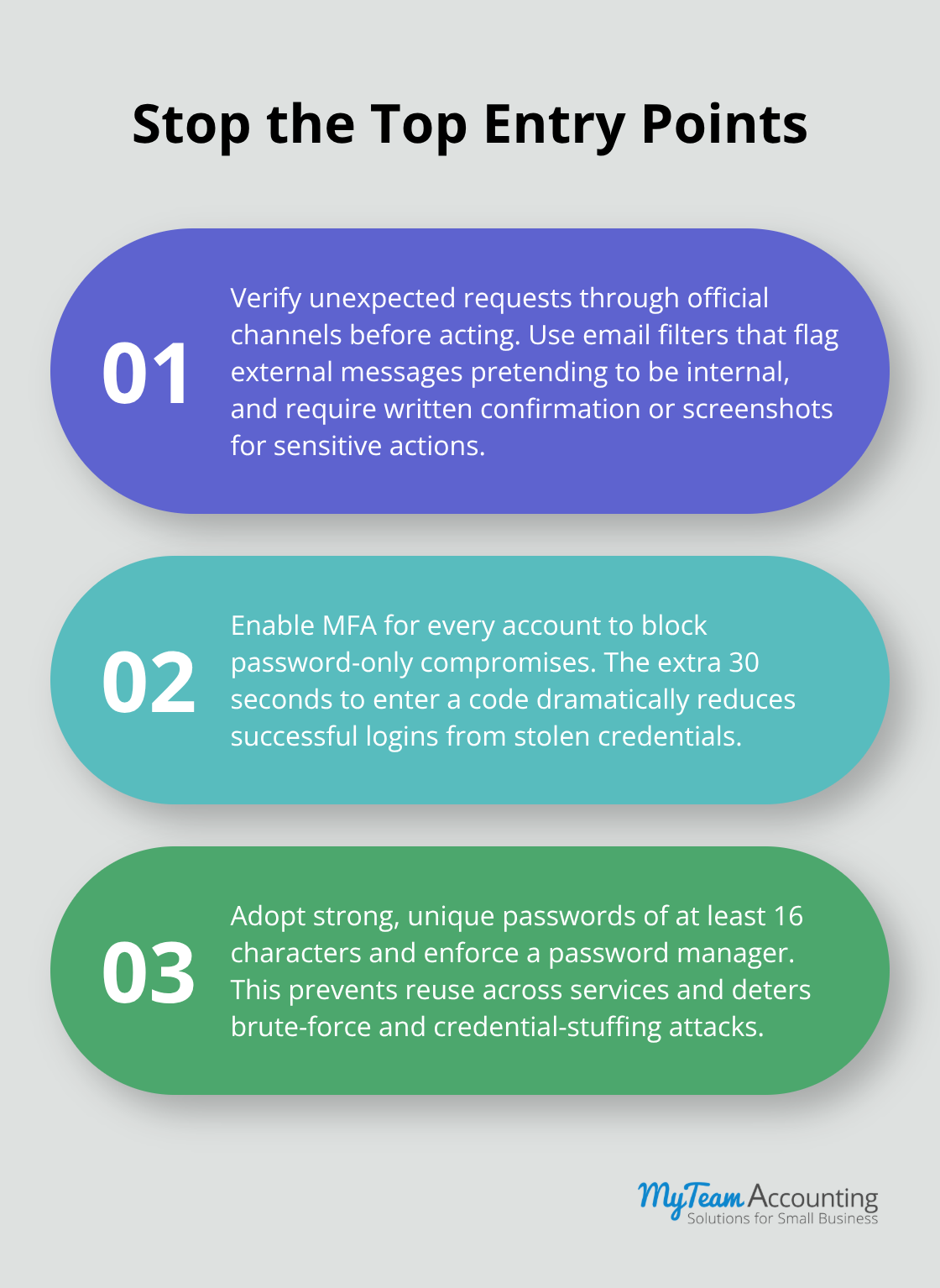
Weak passwords compound the problem because your team reuses the same password across multiple platforms, meaning a breach at an unrelated vendor compromises your Xero account. Try passwords of at least 16 characters mixing uppercase, lowercase, numbers, and symbols-this length matters more than complexity rules because it exponentially increases cracking time. Use a password manager like 1Password or Bitwarden so your team does not resort to writing passwords on sticky notes or using predictable variations.
Inactive Accounts and Shared Credentials
Unauthorized access often stems from inactive accounts lingering after employees depart or contractors finish projects. Conduct a monthly audit of active users in Xero and immediately deactivate anyone no longer requiring access. Document who has access to shared credentials like bank connections and change those passwords quarterly, treating them as temporary keys rather than permanent fixtures. This discipline prevents former employees from maintaining hidden access months after departure, which represents one of the highest-risk scenarios in accounting operations.
Final Thoughts
Xero security and access controls work together to create a comprehensive defense against financial data threats. Your infrastructure protection through encryption and compliance certifications provides the foundation, but your access management decisions determine whether that foundation actually protects your business. Start immediately by enabling multi-factor authentication across all user accounts, assigning permissions based on actual job responsibilities rather than convenience, and conducting quarterly audits to remove access for departing team members.
Map your current user roles against what each person actually does weekly, then remove unnecessary Admin access and implement the principle of least privilege throughout your organization. Test your access levels by logging in as each user account to verify permissions remain appropriate, change shared passwords like bank connections quarterly, and terminate access within 24 hours when someone leaves. Your team represents your greatest security asset and your greatest vulnerability simultaneously, so train them to recognize phishing emails by verifying requests through official channels before responding and require password managers instead of sticky notes or password reuse.
Protecting financial data requires ongoing attention, not one-time setup, so schedule monthly audits of active users and quarterly reviews of access levels to maintain your defenses. Document these activities so you can demonstrate due diligence if a breach occurs and prove to auditors that you took reasonable precautions. Explore Xero’s comprehensive security documentation to implement these practices and safeguard the financial heartbeat of your business.