

Xero Reconciliation Workflows: Streamlining Your Month-End Close
Month-end close doesn’t have to consume your entire week. When bank transactions pile up and accounts fall out of sync, the pressure mounts-but Xero reconciliation workflows eliminate much of that friction.
Most small business owners spend hours manually matching transactions and hunting down discrepancies. Xero automates this process, turning a tedious task into a streamlined routine that takes minutes instead of days.
In this guide, we’ll show you how to set up efficient reconciliation processes, leverage Xero’s built-in tools, and close your books faster without sacrificing accuracy.
Xero Reconciliation Workflows: Why Bank Reconciliation Matters Before Month-End
Bank reconciliation matches your Xero records against your actual bank statements, and it remains non-negotiable for accurate financial reporting. Most small business owners view reconciliation as simply finding missing transactions, but that perspective misses the real value. Bank reconciliation helps detect errors in the company’s financial records and in the bank’s records, ensures your profit and loss statement reflects reality, and establishes solid cash flow foundations. Without it, you operate blind-your cash position could be off by thousands, your tax filings could be incorrect, and you’ll waste weeks during an audit explaining discrepancies. Xero’s reconciliation tools eliminate manual work, but only if you understand what you’re actually trying to accomplish. The goal isn’t speed; it’s accuracy and confidence that your financial data is trustworthy.
How Xero Automates the Reconciliation Process
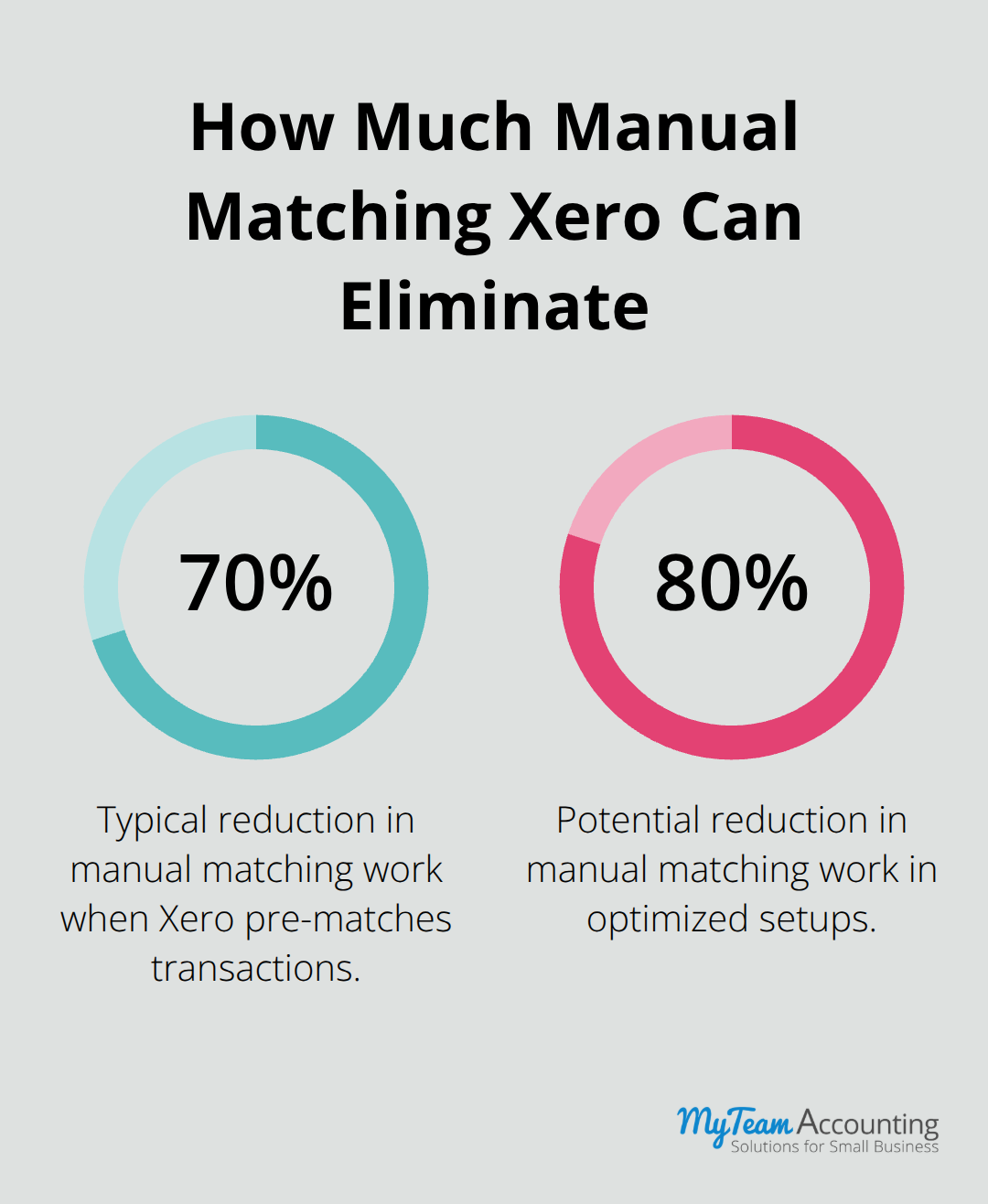
Xero’s bank feed integration connects directly to your bank and automatically pulls transactions daily instead of waiting for monthly statements. Real-time bank feed data means discrepancies surface immediately rather than festering for weeks. When you open the reconciliation screen in Xero, the software pre-matches transactions based on amount, date, and payee information, cutting your manual matching work by 70 to 80 percent. You review suggested matches and approve them with a single click instead of hunting through spreadsheets. The system learns from your patterns too-if you regularly reconcile transactions a certain way, Xero improves its future suggestions.
Account Setup and Coding Discipline Drive Success
The biggest reconciliation killer isn’t Xero’s functionality-it’s poor account setup and inconsistent coding discipline. If your chart of accounts contains 200 line items, reconciliation becomes a maze. If team members code transactions differently each month, you’ll spend hours investigating why sales revenue appears in three different accounts. Many small businesses also fail to reconcile frequently enough, letting months of transactions stack up before attempting to close the books. This creates a massive backlog where finding a single missing $47 transaction becomes a nightmare. Another critical issue is failing to use Xero’s reconciliation reports effectively. These reports show exactly which transactions remain unreconciled, which accounts are out of balance, and which periods need attention-but most owners never examine them. The third obstacle is not automating your bank feeds, instead manually entering transactions or relying on CSV imports that introduce errors.
Moving Forward with Confidence
Xero’s strength lies in speed and accuracy, but only when you configure it properly from day one. The foundation you build now determines whether your month-end close takes hours or days. Next, we’ll explore the advanced techniques that transform reconciliation from a reactive scramble into a proactive workflow.
Automating Bank Feeds and Building Monthly Reconciliation Discipline
Enable Bank Feeds to Eliminate Manual Entry
Automatic bank feeds represent the single most impactful decision you can make in Xero. Without them, you upload CSV files or enter transactions by hand, which introduces errors at every step. Enable bank feeds immediately for every account you operate. Most banks connect to Xero within minutes through OAuth authentication, pulling transactions daily rather than waiting for monthly statements. This daily cadence means you catch coding errors, duplicate charges, and fraudulent activity within 24 hours instead of 30 days.
Reconcile Weekly, Not Monthly
You should reconcile every Thursday or Friday for transactions that cleared that week. This approach keeps your unreconciled balance manageable and prevents the scenario where you hunt through 2,000 transactions in the final week of the month. Weekly reconciliation discipline helps identify errors and prevent discrepancies from causing larger issues later. Xero’s reconciliation report becomes your weekly dashboard. Open it every time you reconcile to see exactly which transactions remain unmatched, which accounts fall out of balance, and which periods need attention.
Implement Three Non-Negotiable Steps
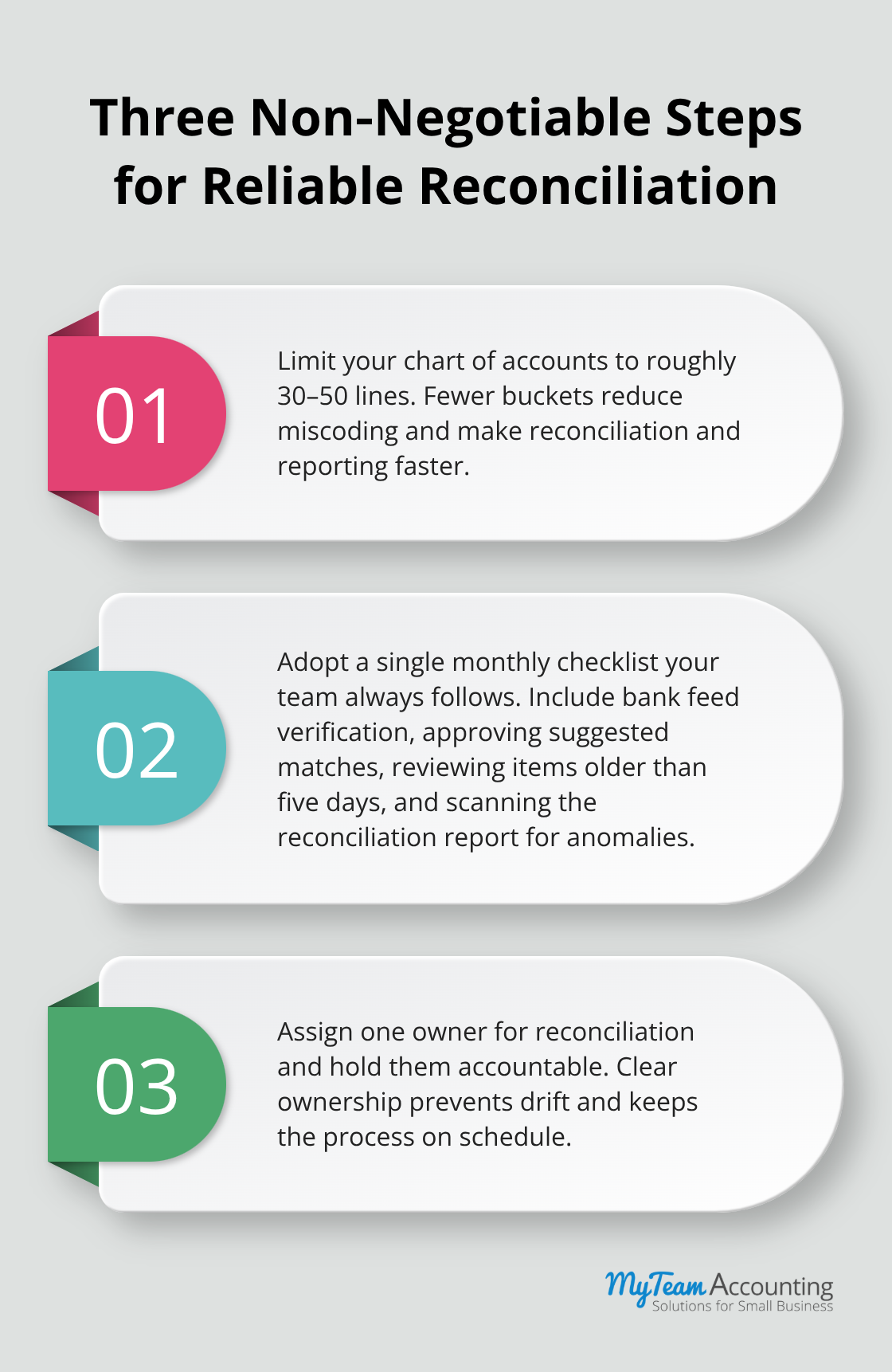
The systematic approach requires three essential steps. First, establish a chart of accounts with 30 to 50 accounts maximum, not 200. Fewer accounts mean faster reconciliation and clearer financial reporting. Second, create a single reconciliation checklist that your team follows every month (verifying bank feeds are active, matching pre-populated transactions, investigating unmatched items older than five days, and reviewing the reconciliation report for anomalies).
Separate Payroll Reconciliation from Operations
If your business processes payroll through Xero, you should reconcile payroll transfers separately from operational transactions. Payroll reconciliation involves matching net pay deposits, tax withholdings, and employer contributions to your bank feeds. Many small businesses miss payroll timing issues because they lump payroll with general reconciliation. Separate them, verify the payroll clearing account monthly, and ensure all liabilities post correctly. This discipline prevents tax filing disasters and audit complications down the road.
With your weekly reconciliation rhythm established and payroll processes locked in, you’re ready to tackle the advanced techniques that transform your entire month-end close into a predictable, efficient workflow.
Accelerating Your Month-End Close in Xero
Verify Accounts on the Final Business Day
Once your weekly reconciliation rhythm locks in place, your month-end close accelerates dramatically because most transactions already reconcile themselves. The final close becomes verification and cleanup rather than detective work. Open Xero’s Accounts Reconciliation dashboard on the last business day of the month and scan for any accounts showing unreconciled balances above zero. Most will clear within minutes because your bank feeds have been matching transactions all month, but a handful always require investigation.
Prioritize Problem Accounts First
Focus immediately on accounts that typically cause problems: suspense accounts, clearing accounts tied to payment processors, and intercompany accounts if you operate multiple entities. These three account types generate the majority of month-end friction for small businesses. Spend 15 minutes maximum investigating each problematic account, then move forward. If you cannot identify and resolve an issue within that window, flag it for follow-up after close rather than letting it derail your entire timeline. This discipline prevents the common trap where owners chase a single $200 discrepancy for three hours and blow their close deadline.
Follow a Sequence That Mirrors Cash Flow Logic
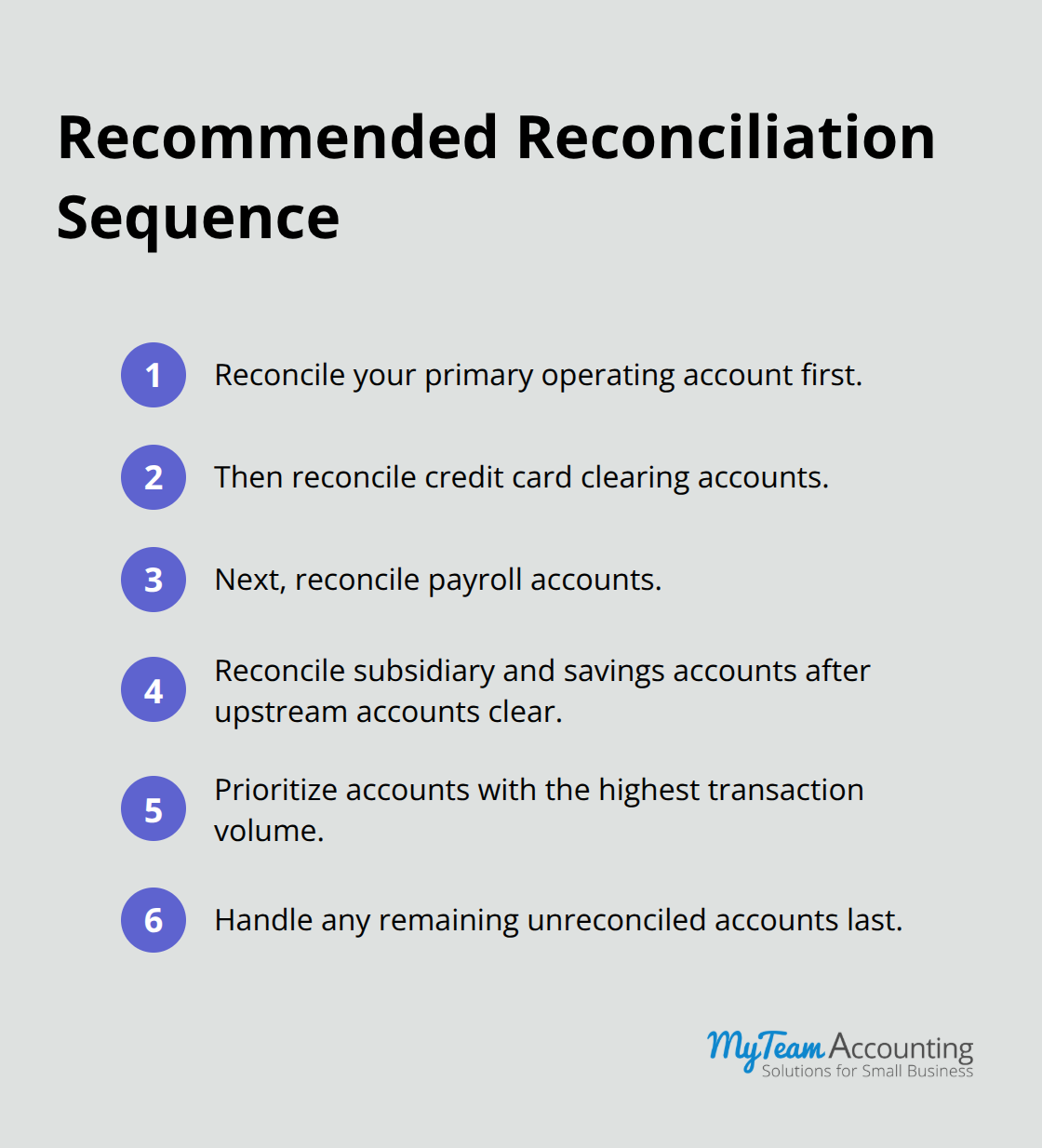
Multi-account reconciliation demands a specific sequence that mirrors cash flow logic. Start with your primary operating account, then move to credit card clearing accounts, then payroll accounts, then any subsidiary accounts or savings vehicles. This sequence ensures that dependent accounts reconcile cleanly because their source transactions already matched upstream. Many owners reconcile accounts randomly and waste time investigating issues that resolve themselves once upstream accounts clear.
Close Books Only When Trial Balance Reaches Zero
Most small business owners can close their books completely within two to three hours when this sequence runs smoothly, versus the eight to ten hours typical for disorganized approaches. The dashboard also displays your trial balance in real time, allowing you to verify that debits equal credits before you finalize the close. This verification step prevents the nightmare scenario where you close the books, issue financial statements, and discover a fundamental imbalance days later. Set a hard rule that no month closes until your trial balance displays a zero difference. Your accounting software should never move forward with unbalanced books, and Xero enforces this discipline automatically when you lock periods correctly.
Final Thoughts
Xero reconciliation workflows transform month-end close from a chaotic scramble into a predictable, manageable process. You eliminate the friction that typically consumes days of your time when you enable automatic bank feeds, reconcile weekly instead of monthly, and follow a systematic sequence. Your financial records become trustworthy, discrepancies surface immediately rather than festering for weeks, and your team gains confidence in the accuracy of your reporting.
Proper reconciliation catches errors before they compound, prevents tax filing complications, and establishes the foundation for reliable cash flow forecasting. Small business owners who adopt weekly reconciliation discipline close their books in two to three hours instead of eight to ten, freeing up time for strategic financial decisions rather than transaction hunting. Your chart of accounts becomes cleaner, your team develops consistent coding habits, and your month-end process becomes repeatable (which means you spend less time troubleshooting each cycle).
Start by enabling automatic bank feeds for every account if you haven’t already, then establish a weekly reconciliation rhythm with your team. Assign one person ownership of the process and create a simple checklist that covers bank feed verification, transaction matching, and reconciliation report review. If you need guidance implementing these practices or want professional support optimizing your Xero setup, our accounting team can help you build efficient workflows that stick.