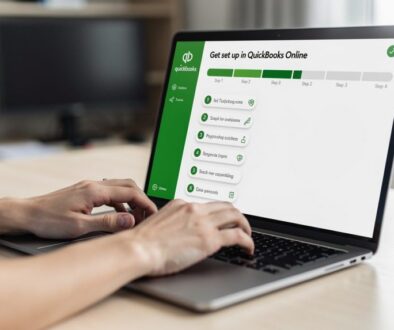

Xero Tips for Streamlining Your Monthly Reconciliation Process
Every month, small business owners face the same challenge: reconciling accounts takes hours and leaves room for costly errors. Xero software transforms this tedious task into a streamlined process that catches discrepancies early and keeps your bookkeeping workflow organized.
With the right Xero tips and automated tools, you can cut reconciliation time dramatically while ensuring your financial records stay accurate. This guide shows you exactly how to leverage Xero’s most powerful features for a faster monthly close.
Why Monthly Reconciliation Matters
Monthly reconciliation transforms scattered financial data into reliable truth. Small business owners who reconcile monthly catch errors before they spiral into larger problems that consume weeks of cleanup work. A single data entry mistake-whether a transposed number or a missed bank fee-compounds across months and distorts your actual cash position.
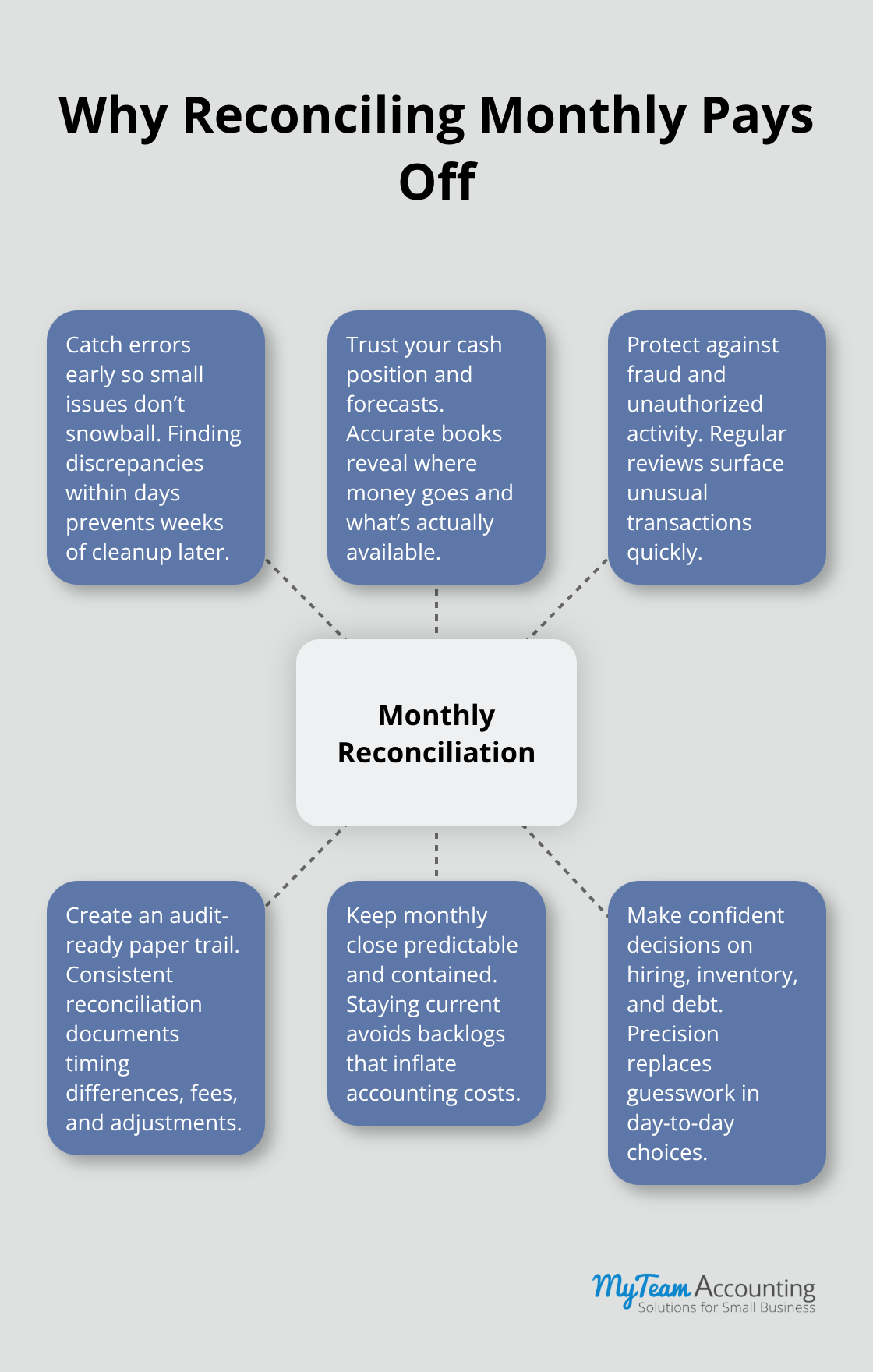
When you reconcile monthly, you spot these issues within days rather than discovering them during tax season or when applying for financing. Most small businesses face timing differences between their books and bank statements, but reconciliation reveals what’s legitimate and what needs correction. The IRS requires maintaining employment tax records for at least four years, which means your monthly reconciliation process creates the documented trail that protects you during audits.
Accuracy Drives Real Business Decisions
Inaccurate financial records force you to make decisions based on guesses rather than facts. If your books don’t match your bank statement, you cannot trust your cash flow forecast, your profit margins, or whether you can actually afford that new hire. Monthly reconciliation ensures your financial reports reflect reality, so you know exactly how much cash is available and where your money actually goes. This precision matters when you decide whether to invest in inventory, pay down debt, or hire staff. Many small business owners operate on outdated bank balances or estimates because they skip reconciliation, which often leads to overdraft fees, missed payment deadlines, or worse-running out of cash. Reconciliation also exposes unauthorized transactions immediately, which protects your business from fraud or accounting errors before they escalate.
The Compounding Effect of Neglect
Skipping monthly reconciliation creates exponential problems. One missed month becomes two, then three, and suddenly you face 90 days of tangled transactions with no clear starting point. When reconciliation falls behind, your bookkeeper spends significantly longer untangling the mess than they would have spent on a simple monthly review. This delay pushes your monthly close into days and inflates your accounting costs significantly. Regular monthly reconciliation keeps each month’s work contained and manageable, so your monthly close stays efficient and predictable. The discipline of monthly reconciliation also forces you to stay current with bank fees, interest income, and automatic payments that your books might otherwise miss entirely.
How Xero Transforms the Process
Xero’s bank feeds and automated matching eliminate the manual work that makes reconciliation feel overwhelming. Instead of comparing transactions line by line (a task that drains hours from your schedule), Xero suggests matches and flags discrepancies automatically. This automation means you review and approve matches rather than hunt for them, which cuts your reconciliation time dramatically. The software learns from your reconciliation patterns and improves its match suggestions over time, making each month faster than the last. With accurate, current financial data at your fingertips, you move from reactive bookkeeping to proactive financial management-and that shift unlocks better decisions about cash flow, pricing, and growth.
Xero’s Automation Cuts Reconciliation Time in Half
Bank Feeds Eliminate Manual Data Entry
Bank feeds automatically match incoming transactions, pulling transaction data directly from your bank into your accounting records with minimal delay, so you never manually enter deposits and withdrawals again. The software automatically matches incoming bank transactions to entries in your books, then flags items that need your attention. This direct connection means you reconcile in minutes rather than hours-real users report cutting weekly reconciliation from seven hours down to under 30 minutes once they fully leverage automated matching.
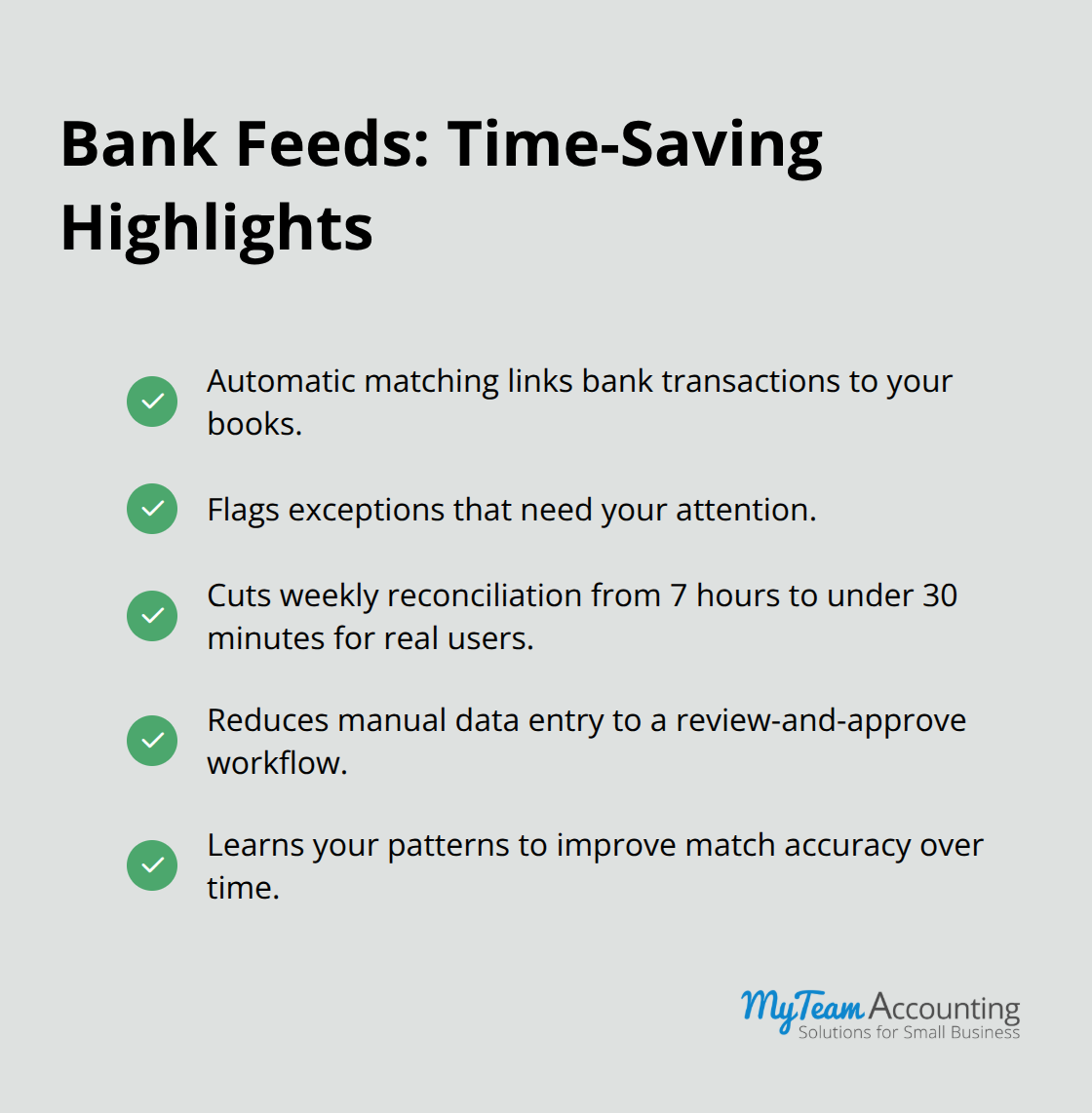
The software learns your patterns over time and improves match accuracy with each reconciliation cycle, so month two runs faster than month one. When a transaction arrives at the bank, Xero’s matching engine compares it against your existing entries and suggests a match if confidence is high enough. You simply review and approve rather than hunt for the transaction yourself. This workflow eliminates the busywork that makes reconciliation feel tedious while keeping you in control-you decide whether to accept each match, and you can toggle automation on or off per bank account depending on your comfort level.
Multi-Currency Reconciliation Handles Exchange Rate Fluctuations
Multi-currency reconciliation becomes effortless when you operate across different markets, because Xero handles exchange rate fluctuations automatically and shows you the impact in real time. If your business accepts payments in multiple currencies or pays vendors internationally, you no longer need to manually track conversion rates or adjust entries for currency differences. The software reconciles these transactions seamlessly, so your accounts reflect accurate values regardless of which currency moved through your bank. This capability proves especially valuable for e-commerce businesses, service providers with international clients, or companies with overseas suppliers.
Custom Reports and Dashboards Reveal Your Financial Position Instantly
Custom reports and dashboards reveal reconciliation status, transforming scattered data into visual snapshots that reveal exactly where your accounts stand without requiring you to dig through transaction lists. Set up a dashboard that displays your bank balance, outstanding checks, deposits in transit, and reconciliation status all in one view, then check it during your monthly close to spot issues instantly. The real power emerges when you combine bank feeds with custom reports-you can create a dashboard showing unreconciled transactions by account, aged outstanding items, and variance trends that highlight patterns you might otherwise miss.
Xero’s reporting flexibility means you build dashboards tailored to your business, whether you need to track customer payment timing, vendor payment schedules, or cash flow by department. These dashboards become your early warning system, alerting you to unusual activity or timing gaps before they become problems that require investigation later. With visibility into your reconciliation status at a glance, you catch discrepancies faster and move through your monthly close with confidence.
Now that you understand how Xero’s automation accelerates the reconciliation process itself, the next step focuses on the practices and habits that maximize these tools’ effectiveness.
How to Lock In a Monthly Reconciliation Rhythm That Actually Sticks
Schedule Reconciliation as a Non-Negotiable Appointment
The difference between businesses that reconcile consistently and those that fall behind comes down to one thing: treat reconciliation as a non-negotiable appointment rather than a task to squeeze in when time allows. Schedule your monthly reconciliation for the same day every month, ideally within three to five business days after your bank closes its statement cycle. This timing matters because your bank statement arrives with a clear closing balance, giving you a fixed reference point instead of a moving target. Most small business owners who struggle with reconciliation skip it for one month, which becomes two months, then suddenly they face a backlog of three or four months of tangled transactions.
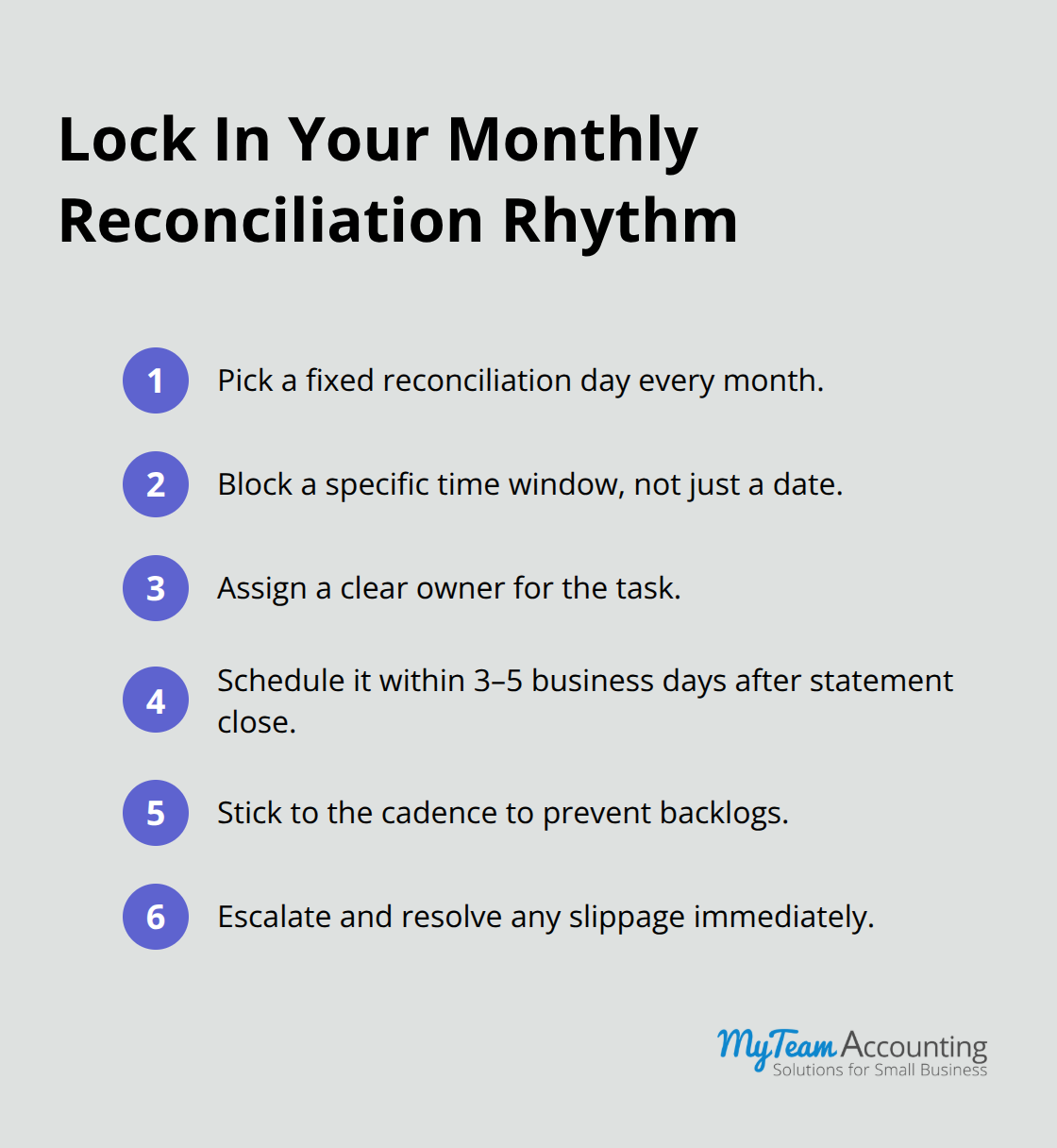
The solution is ruthless consistency. Mark your calendar now for the next twelve months, assign the task to a specific person (even if that person is you), and treat that appointment with the same priority you’d give a client meeting or loan deadline.
Set a specific time block too, not just a date, because without a time commitment the task drifts and gets postponed. Many accounting teams find that reconciling on the same day each month creates a rhythm where the process becomes faster and more predictable with each cycle.
Adjust Your Schedule Based on Transaction Volume
High-volume businesses need to reconcile weekly instead of monthly to prevent small discrepancies from compounding into larger problems. Typical small businesses stay current with monthly reconciliation on a fixed schedule, which keeps your books current without consuming excessive time. This approach prevents the backlog that forces you to spend hours untangling months of transactions later.
Organize Transactions Before You Reconcile
Organize your transaction data before you open Xero by ensuring every deposit, withdrawal, and transfer carries clear categorization and meaningful descriptions. A transaction labeled only as Check #1247 creates confusion during reconciliation, but Check #1247 – Office Supplies tells you exactly what to expect. This organization happens in real time as transactions flow through your bank, not during reconciliation month. Train anyone with access to your business bank account to record transaction descriptions immediately, and review your chart of accounts to ensure categories match how you actually spend money. When reconciliation day arrives, you’ll spend your time reviewing matches and approving entries instead of hunting for missing information or deciphering vague transaction labels.
Document Every Exception and Follow Up Promptly
Document every exception the moment you find it, including timing differences, bank fees, interest income, or transactions that appear on your bank statement but not in your books yet. Create a simple spreadsheet or use Xero’s notes feature to record the date you discovered the discrepancy, what it was, why it occurred, and when you resolved it. This documentation becomes invaluable when tax time arrives and your accountant needs to understand your books, and it also creates a pattern that helps you spot recurring issues. If the same type of discrepancy appears month after month, that pattern tells you to change a process or set up an automated transaction in Xero to prevent the issue entirely.
Follow up on outstanding checks and deposits in transit within one week of your monthly close, because items that remain unreconciled for more than a month often indicate a real problem hiding beneath the surface. A check that hasn’t cleared after 30 days might mean it was lost in the mail, and a deposit in transit that doesn’t appear within five business days might signal a customer payment that never actually left their account.
Final Thoughts
Monthly reconciliation transforms from a dreaded monthly chore into a manageable routine when you implement Xero tips that automate the heavy lifting. The time savings alone justify the effort-users report cutting reconciliation from hours down to under 30 minutes monthly once they fully leverage bank feeds and automated matching. Beyond speed, streamlined reconciliation eliminates the stress that comes from financial uncertainty, so you know your cash position is accurate and your books reflect reality.
Xero automation features handle the repetitive work that drains your bookkeeping workflow. Bank feeds pull transactions automatically, matching engines suggest connections, and custom dashboards reveal your reconciliation status instantly (transforming manual data entry into a review-and-approve process). The software learns your patterns and improves its accuracy with each cycle, meaning month two runs faster than month one and month twelve becomes almost effortless.
Start by scheduling your next monthly reconciliation as a non-negotiable appointment, organize your transaction descriptions so they tell a clear story, and let Xero software handle the matching work. Document any exceptions you find and follow up within a week so nothing lingers unresolved. These practices, combined with Xero’s powerful features, create a bookkeeping workflow that stays current, catches errors early, and gives you the financial clarity you need to grow your business with confidence.