

Xero Onboarding Training: Jumpstart Your Team’s Xero Skills
Switching to Xero is exciting, but without proper guidance, your team can struggle with basic tasks and miss powerful features. Xero onboarding training sets the foundation for confident, efficient accounting workflows.
This guide walks you through establishing clear learning objectives, assessing skill gaps, and building a structured training roadmap. You’ll also discover the essential features your team must master and common pitfalls to avoid.
Building Your Xero Onboarding Foundation
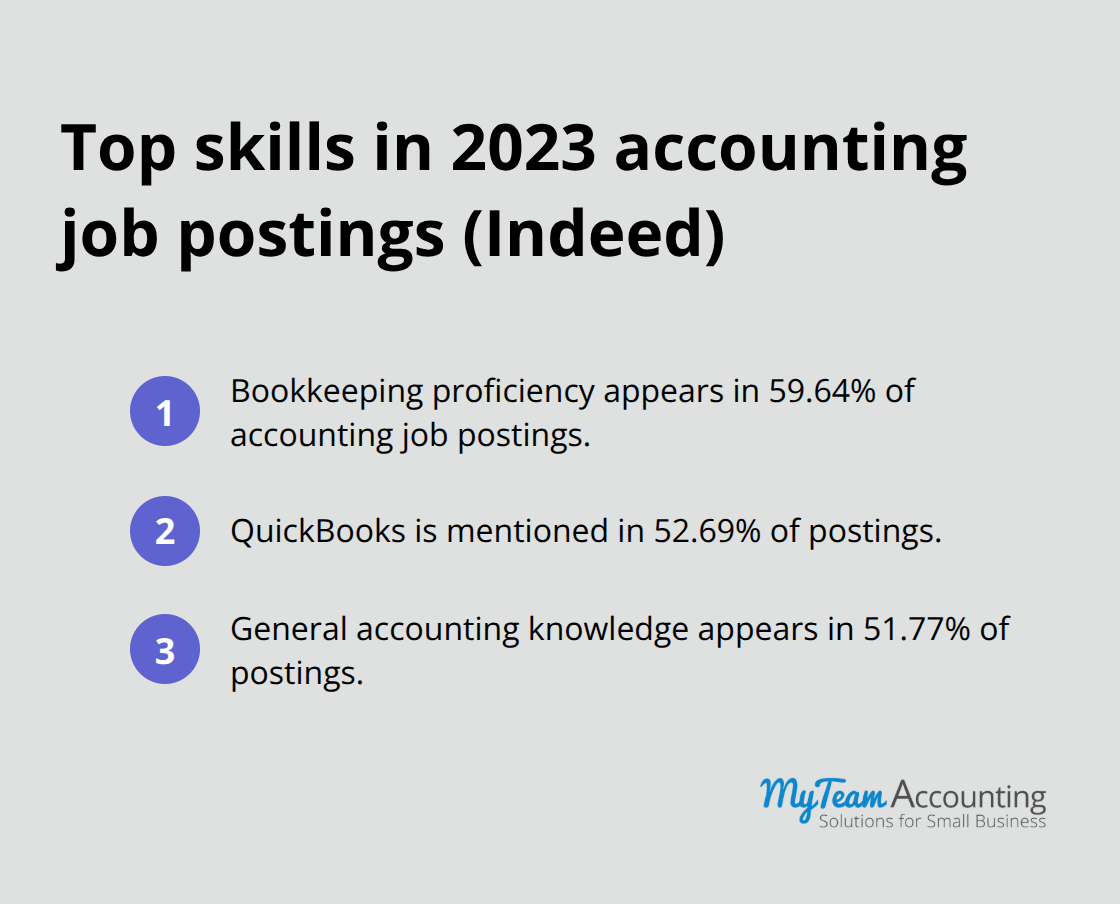
Effective Xero onboarding requires three concrete steps before your team touches the software. First, define what success looks like within 90 days. According to Indeed’s 2023 job posting data, bookkeeping proficiency appears in 59.64% of accounting roles, followed by QuickBooks at 52.69% and general accounting knowledge at 51.77%. This means your training must anchor to real job functions your team will perform daily.
Know Your Team’s Starting Point
Before training starts, audit what your team already knows. Does your bookkeeper understand GAAP principles, or is this their first accounting role? Has anyone used cloud-based software before, or are they migrating from desktop systems? Data entry accuracy varies dramatically between team members, and Indeed data shows data entry experience appears in only 12.61% of job postings, suggesting many new hires lack this foundation. A 30-minute skills assessment covering basic accounting concepts, software comfort, and time management habits reveals exactly where to invest training effort. Skip this step and you’ll waste time explaining concepts your senior bookkeeper mastered years ago while your junior staff member struggles silently.
Create a Realistic Training Schedule
Your structured roadmap should span 90 days maximum to maintain momentum. The first 30 days focus on core navigation, dashboard setup, and basic data entry into Xero. Days 31–60 cover invoicing workflows, expense categorization, and bank reconciliation-the tasks your team performs most frequently. The final 30 days introduce reporting, financial insights, and integrations specific to your business. Allocate at least two hours weekly for hands-on practice, not just watching training videos. Advanced Microsoft Excel skills matter in 37.86% of accounting positions, and strong communication is required in 40.56% of roles, so your roadmap should include practical exercises where team members reconcile accounts using real company data and communicate findings to leadership.
Move Forward With Confidence
Your team now has clear objectives, an honest assessment of their abilities, and a realistic 90-day timeline. With these three foundations in place, you’re ready to explore the essential Xero features that will transform how your team works.
What Your Team Must Master First in Xero
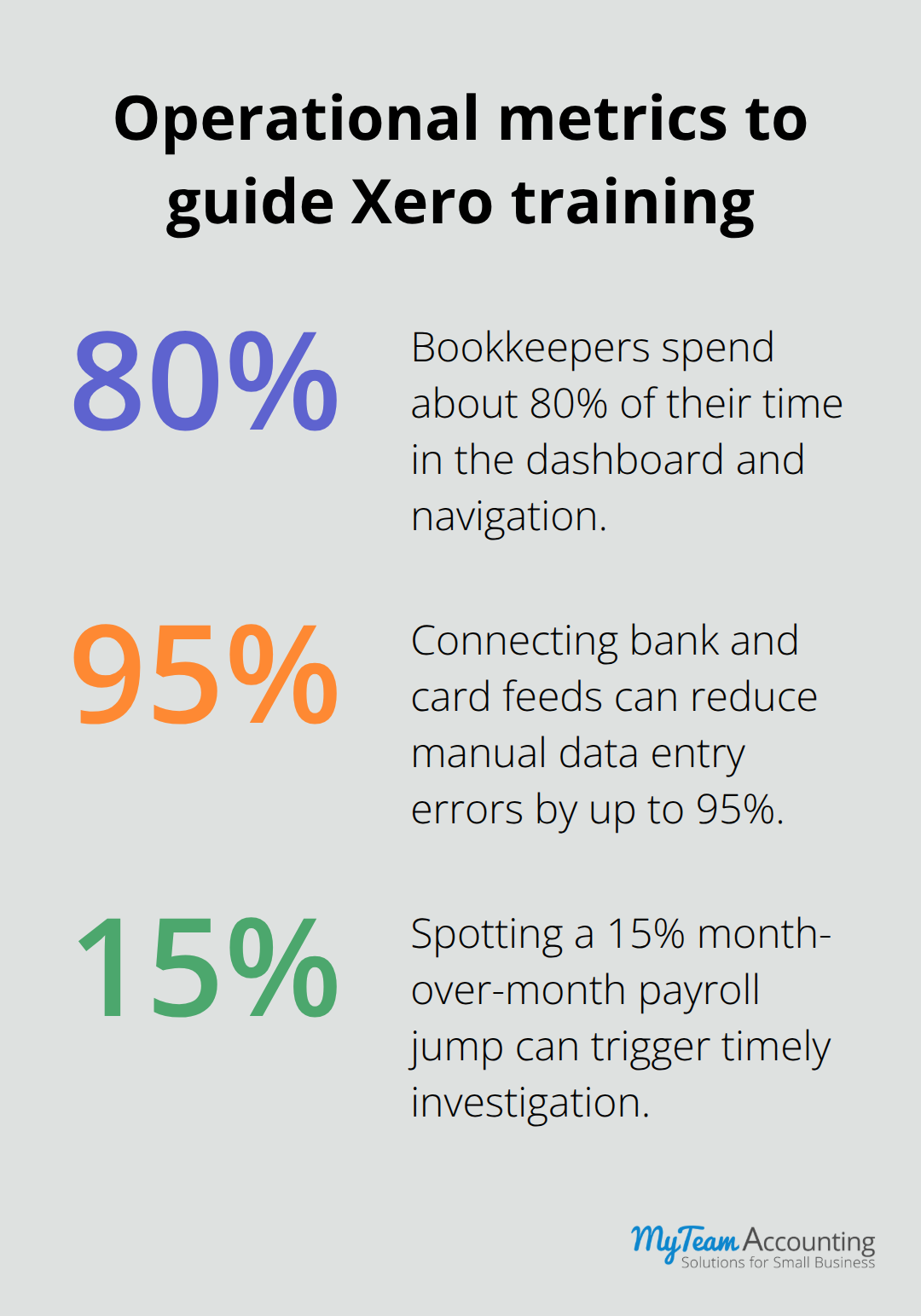
Xero’s interface rewards hands-on exploration, but your team needs direction on what matters most. Start with the dashboard and navigation structure because this is where your bookkeeper spends 80% of their time. The left sidebar houses all core functions: Business, Accounting, Contacts, and Reports. Teach your team to customize their dashboard immediately by pinning the widgets they use daily-cash position, aged receivables, aged payables, and bank account balances.
Invoicing and Expense Workflows Drive Daily Work
Your team will spend more time on invoicing and expense tracking than any other Xero function, so this demands the most rigorous training. In invoicing, focus on three critical elements: template customization for your brand, tax configuration matching your jurisdiction, and automation rules that reduce manual data entry. Show your bookkeeper how to set up recurring invoices for subscription revenue and conditional logic that automatically applies late payment fees or early payment discounts. On the expense side, connect your business bank accounts and credit cards directly to Xero-this eliminates manual transaction entry and reduces data entry errors by up to 95%. Teach your team to categorize expenses at the point of entry rather than batch-processing them later; this habit prevents the dreaded month-end scramble.
Bank Reconciliation Catches Problems Early
Bank reconciliation should happen at least monthly, because catching discrepancies early is exponentially cheaper than forensic accounting after quarter-end. Set a measurable target: your bookkeeper should reconcile all bank accounts in under 45 minutes per week by week four of training. This monthly rhythm transforms reconciliation from a painful compliance task into a routine health check on your cash position. Your team will spot duplicate entries, timing issues, and unauthorized transactions before they compound into larger problems.
Reports Transform Data Into Decisions
Xero’s reporting engine means nothing if your team treats it as a checkbox exercise. Train them to run three reports weekly: the Profit and Loss Statement to track profitability trends, the Balance Sheet to monitor cash position, and the Aged Receivables Report to identify collection gaps. Show them how to set date ranges, filter by cost center or customer, and export data to Excel for deeper analysis. Advanced Excel skills are in-demand across accounting roles, so your training should include practical exercises where your bookkeeper builds pivot tables or runs variance analysis directly from Xero exports. A bookkeeper who can spot that payroll expenses jumped 15% month-over-month and flag it for investigation becomes a strategic asset rather than a transaction processor.
With these four core competencies in place, your team possesses the foundation to operate Xero confidently. However, even well-trained teams can stumble when they lack awareness of common pitfalls that derail onboarding success.
Common Onboarding Mistakes and How to Avoid Them
Most teams fail at Xero not because the software is difficult, but because they skip critical preparation steps before training starts. The single biggest mistake is importing data into Xero without cleaning it first. Your chart of accounts likely contains duplicate accounts, outdated cost centers, and naming conventions that made sense five years ago but confuse your team today. Clean your data before migration by auditing your general ledger, identifying unused or duplicate accounts, and removing or merging inconsistencies. Delete unused accounts, consolidate duplicates, and rename everything using a consistent format-for example, 4100 Consulting Revenue, 4200 Product Sales, 5100 Salaries, 5200 Contractor Fees. This upfront work prevents your bookkeeper from spending 30 minutes every month hunting for the correct account.
Clean Your Data Before Migration
Data entry errors spike when accounts are poorly named because your team second-guesses themselves during categorization. Once you clean your accounts, test a small data import-perhaps last month’s transactions-before you move your entire history into Xero. This dry run reveals mapping issues, date format problems, and missing data before they contaminate your live system. Too many firms rush this step, then spend their first three months of Xero use fixing cascading data problems that should have been caught during onboarding.
Establish Processes, Not Just Features
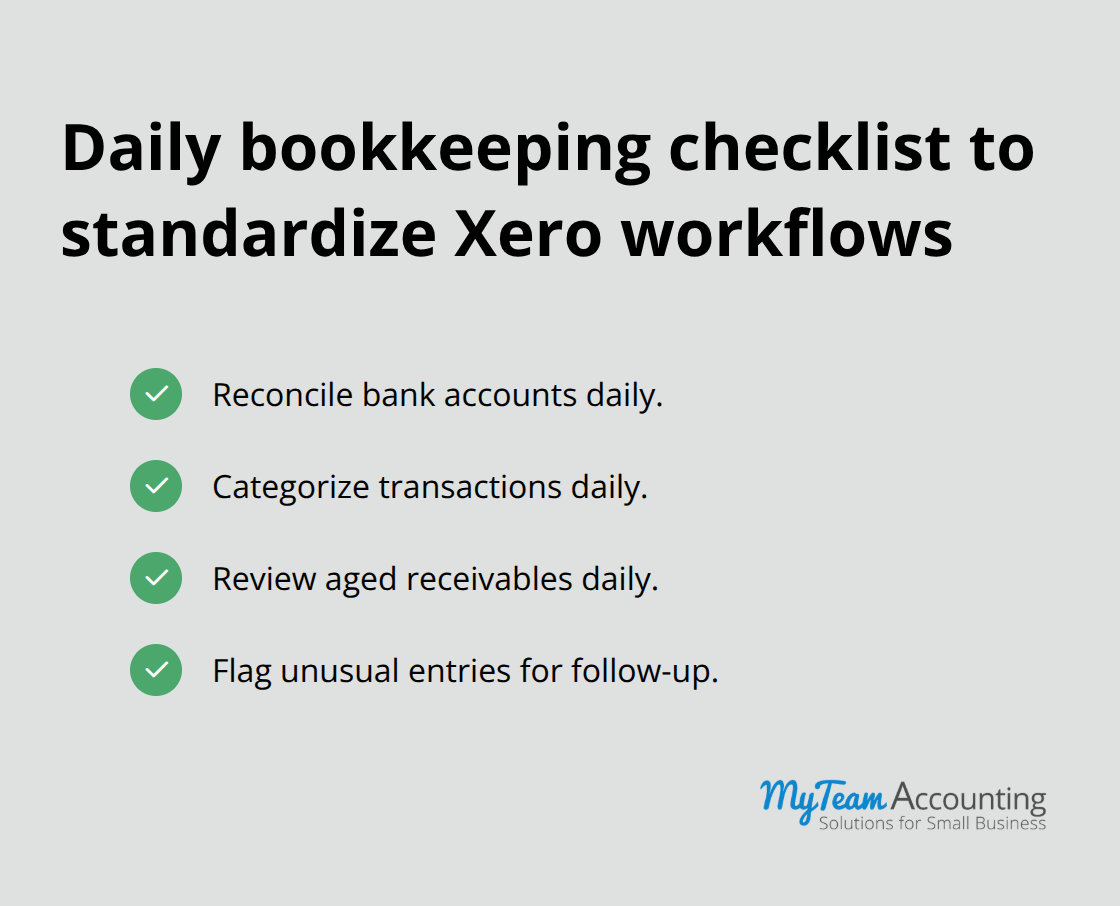
The second critical failure point is treating Xero setup as a one-time event rather than a foundational project that requires ongoing refinement. Your first 30 days should focus on establishing standard processes, not just teaching features. Create a written checklist for your bookkeeper that covers daily tasks: reconcile bank accounts, categorize transactions, review aged receivables, and flag unusual entries. Post this checklist where they work, or embed it in your project management system.
Build Guardrails Into Your Workflows
Establish rules about what gets approved before posting-for instance, set system thresholds to flag large or unusual transactions requiring additional approval before processing. These guardrails prevent costly mistakes. Additionally, schedule a 15-minute weekly review call during the first 90 days where you and your bookkeeper walk through recent transactions together. This weekly touchpoint surfaces confusion early and reinforces correct processes before bad habits form. After week 12, extend these reviews to biweekly, then monthly as confidence grows. Many firms skip this step entirely and assume their team will figure things out independently, which almost guarantees that inconsistent processes will emerge and create reconciliation headaches six months later.
Final Thoughts
Xero onboarding training succeeds when you combine three elements: clear objectives tied to real job functions, honest assessment of your team’s current abilities, and a structured 90-day timeline with weekly accountability. The practices outlined in this guide-defining measurable success metrics, auditing skill gaps, cleaning data before migration, and establishing written processes-transform onboarding from a frustrating scramble into a predictable, repeatable foundation for confident accounting work. A bookkeeper who masters core navigation, invoicing workflows, bank reconciliation, and financial reporting becomes exponentially more productive and catches problems before they compound into costly mistakes.
Your team gains confidence to explore Xero’s advanced features independently, which reduces your reliance on external support and lowers long-term software costs. Proper training creates accountability and consistency across your accounting function, strengthening your financial controls and giving leadership reliable data for decision-making. Treat Xero onboarding as an ongoing process rather than a completed project by scheduling monthly check-ins during months four through six to reinforce processes and address emerging questions.
Your next step is to schedule a skills assessment with your team this week, then map out your 90-day training roadmap with specific dates and measurable milestones. If you need structured guidance, professional Xero onboarding training programs can accelerate your team’s competency and ensure nothing falls through the cracks. The foundation you build now determines whether Xero becomes a powerful strategic tool or remains underutilized software that frustrates your team.