
Xero Setup Best Practices: Clean Start for Your Cloud Accounting
Moving to cloud accounting can feel overwhelming, but the right foundation makes all the difference. Xero setup best practices ensure your financial data is organized, compliant, and ready to support growth from day one.
This guide walks you through each critical step, from auditing existing records to configuring tax settings and bank connections. You’ll discover common pitfalls to avoid and actionable strategies that accounting professionals use to set up Xero correctly the first time.
Preparing for Your Xero Setup
Audit Your Current Financial Records
Starting fresh with Xero requires honest evaluation of what you currently have. Most small business owners inherit messy financial records from spreadsheets, disconnected bank statements, or outdated accounting software. Before you launch Xero, audit your existing records to identify what’s accurate and what needs correction. Pull together your last 12 months of bank statements, invoices, bills, and expense receipts. Look for duplicate entries, missing transactions, or amounts that don’t reconcile. This isn’t busywork-it’s the difference between importing clean data into Xero or spending months fixing problems after go-live.
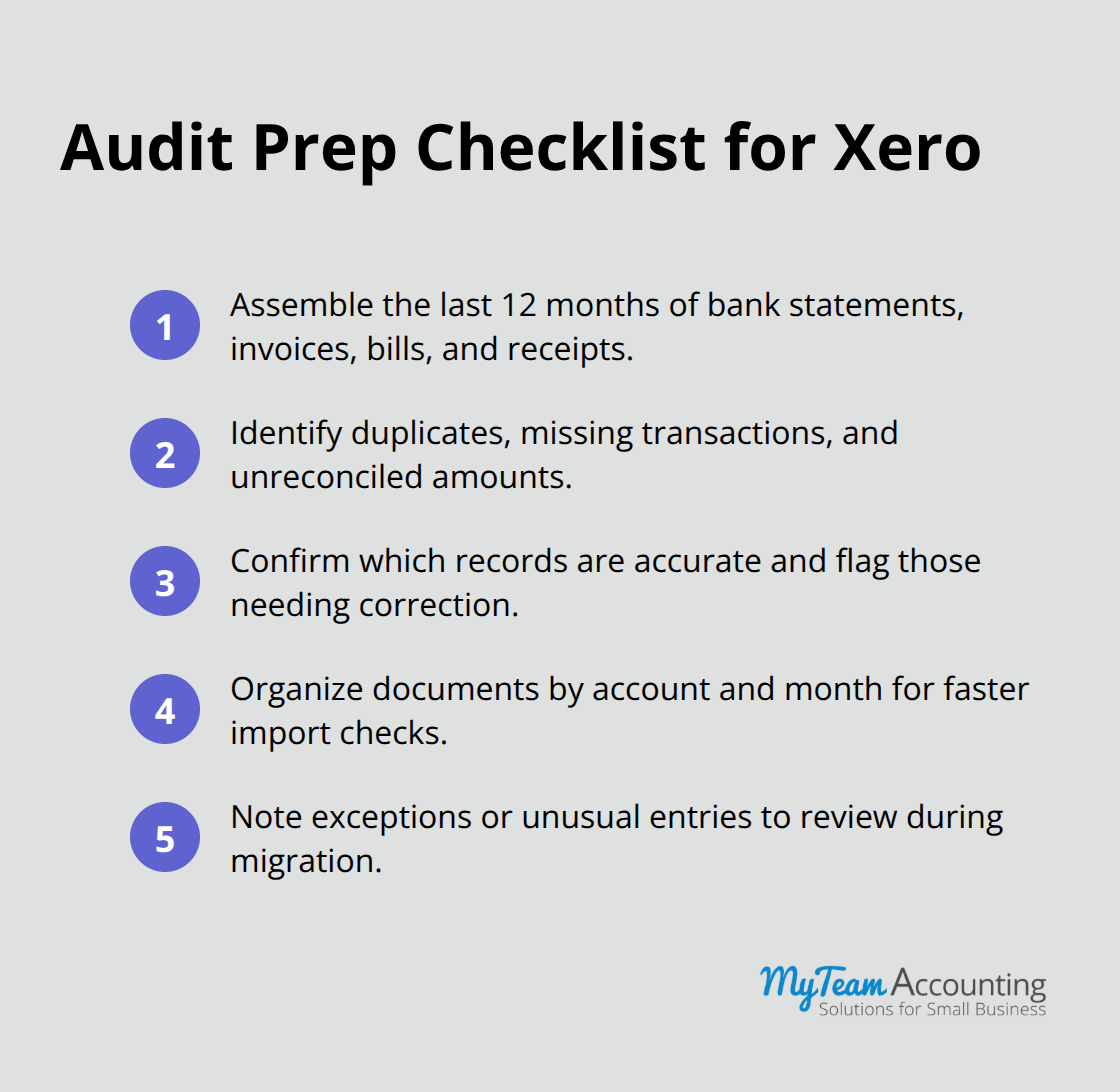
One restaurant group discovered during their audit that their previous system had triple-posted certain transactions and applied VAT inconsistently across locations. They caught the error during the audit phase, not after migration. That discovery saved them hours of rework in Xero and prevented compliance issues down the road.
Organize and Categorize Your Chart of Accounts
Your chart of accounts forms the skeleton of your financial reporting. Instead of accepting Xero’s default chart of accounts, build one that reflects how your business actually operates. If you run a service business, you need different account structures than a product-heavy retailer. Start by listing every income stream, expense category, and asset type specific to your operations. Don’t create 200 accounts thinking you’ll use them later-that creates clutter and makes reconciliation harder.
A scalable chart of accounts typically includes core accounts organized by the five primary account types: assets, liabilities, revenue, equity, and expenses. This structure supports both day-to-day transactions and meaningful financial reporting without overwhelming your team.
Gather Historical Data and Documentation
Once you’ve mapped your accounts, collect all historical data you’ll migrate: previous year invoices, bills, customer contacts, fixed assets, and opening balances. Create a full, secure backup of your entire legacy system before starting the migration process. Document the cutoff date for historical data-typically the first day of your fiscal year. This clarity prevents gaps in your financial records and ensures your Xero reports show accurate trends from day one.
Proper data migration prevents inconsistencies that surface later and ensures your reporting reflects your true financial position. With your records audited, accounts organized, and historical data prepared, you’re ready to configure Xero for optimal performance.
Configuring Xero for Optimal Performance
Structure Your Chart of Accounts for Your Business
With your foundation in place, configuration determines whether Xero becomes a daily asset or a frustrating bottleneck. Your chart of accounts structure must reflect your business operations precisely, not force your business into Xero’s default template. If you operate multiple departments or cost centers, activate Tracking 1 and Tracking 2 from day one rather than retrofitting them later when transactions already exist. A product-heavy business that skipped this step discovered months into implementation that they couldn’t isolate profitability by product line, forcing a complete account rebuild.
Start with your core accounts: separate revenue streams by service type or product category, create distinct expense accounts for controllable costs, and establish fixed asset accounts that align with your depreciation schedule. Avoid the temptation to create 150 accounts thinking you’ll use them eventually. Clutter obscures patterns and makes reconciliation exponentially harder. Instead, design a lean structure that serves your actual reporting needs while remaining scalable as you grow.
Configure Tax Settings with Precision
Tax configuration demands precision because errors cascade through your entire financial picture. Xero’s tax code settings determine how sales tax, VAT, or GST applies to each transaction, and misconfiguration leads to compliance failures and painful corrections. Map your tax obligations to Xero’s tax codes before you process a single transaction.
If you operate in multiple states or jurisdictions, configure each tax rate separately rather than assuming one rate covers everything. This approach prevents the inconsistencies that plagued the restaurant group mentioned earlier, where incorrect mapping caused triple postings and uneven VAT treatment across locations.
Enable Bank Connections and Reconciliation Routines
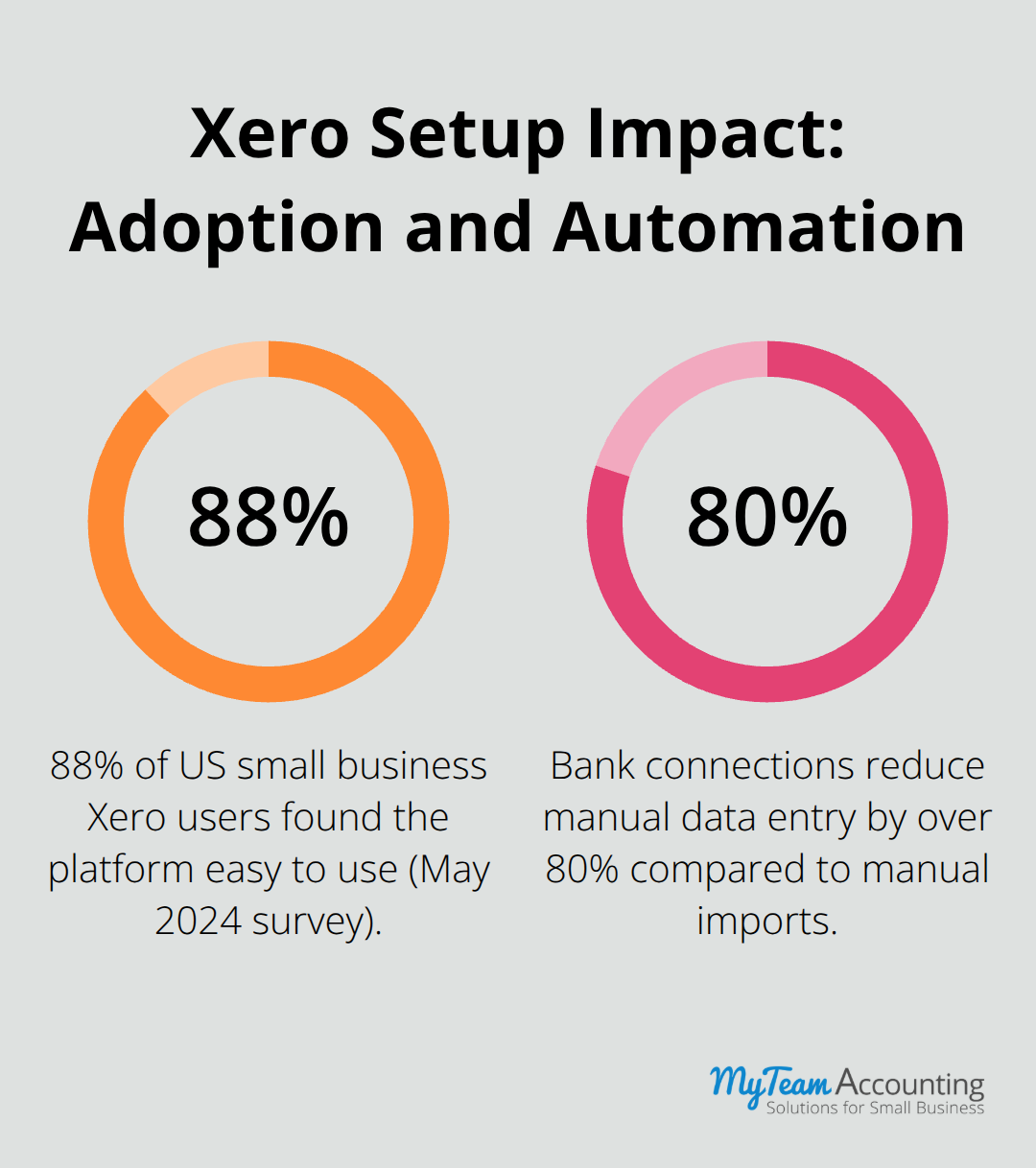
Bank connections represent your fastest path to accurate reconciliation and reduce manual data entry by over 80 percent compared to manual transaction imports. Connect every business bank account to Xero immediately and enable automatic bank feeds so transactions import daily. Then establish a disciplined reconciliation routine: review and reconcile transactions within two business days of posting, not monthly.
A May 2024 survey of 271 US small businesses found that 88 percent of Xero users found the platform easy to use, but that ease depends entirely on having bank feeds connected and reconciliation habits established from the start. Set up bank rules to automate categorization of recurring transactions like payroll deposits or subscription payments. This automation accelerates your month-end close and catches discrepancies immediately rather than discovering them weeks later during financial review.
With your chart of accounts structured, tax settings configured, and bank connections live, you’ve built the infrastructure that prevents costly mistakes. The next chapter explores the pitfalls that derail even well-intentioned implementations and shows you how to sidestep them entirely.
Common Xero Setup Mistakes to Avoid
Incomplete or Inaccurate Chart of Accounts
The first mistake that derails Xero implementations is building a chart of accounts that doesn’t match your business reality. Many small business owners accept Xero’s default account structure or copy what another business uses, then spend months struggling to extract meaningful financial data. A product-heavy business that failed to configure tracking codes discovered six months in that they couldn’t calculate profitability by product line, forcing a complete account rebuild at significant expense.
Your chart of accounts must reflect your actual revenue streams, cost centers, and operational structure before you import a single transaction. If you operate multiple locations, departments, or service lines, set up tracking categories to see how different areas of your business are performing rather than retrofitting them later when thousands of transactions already exist. Don’t create 150 accounts anticipating future needs; instead, build a lean structure with 40–60 core accounts that serve your actual reporting requirements. Test your account structure with sample transactions before go-live to confirm it captures the financial data you need to run your business.
Failing to Configure Tax Codes Properly
Tax configuration demands precision because errors compound exponentially as your transaction volume grows. A restaurant group discovered during post-implementation review that their previous system had applied VAT inconsistently across locations and triple-posted certain transactions, issues that cascaded into compliance problems and reconciliation nightmares. Tax codes in Xero determine how sales tax, VAT, or GST applies to every transaction, and mistakes surface painfully during month-end close when discrepancies emerge.
Map your exact tax obligations to Xero’s tax codes before you process transactions, not after problems appear. If you operate across multiple states or jurisdictions, configure each tax rate as a separate code rather than assuming one rate covers everything. Test your tax setup with five to ten sample invoices and bills to confirm they calculate correctly before you process real transactions. This validation step prevents the compliance failures and painful corrections that plague businesses with misconfigured tax settings.
Neglecting Bank and Payment Integrations
Bank feeds automate the synchronization of bank account and credit card transactions to accounting platforms, making it easier to match and reconcile transactions. Connect every business bank account to Xero on day one, enable automatic daily bank feeds, and establish a reconciliation discipline where you review and match transactions within two business days of posting, not monthly.
Set up bank rules for recurring transactions like payroll deposits or subscription payments to automate categorization and catch discrepancies immediately. Delaying bank connections until after go-live creates a backlog of unreconciled transactions and forces your team to spend weeks catching up on data entry that automation could have handled from day one.
Final Thoughts
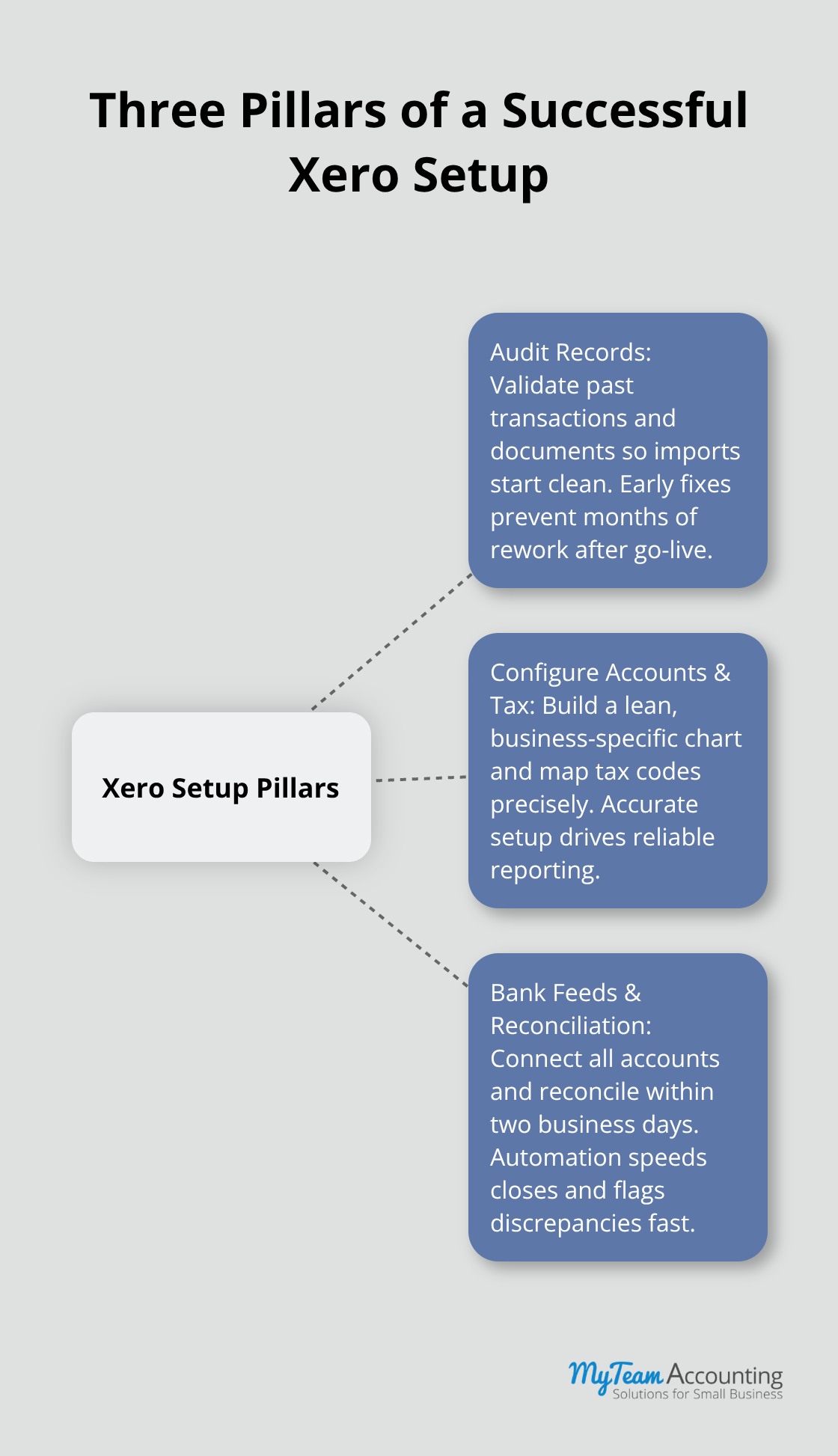
A successful Xero implementation rests on three foundational pillars: you audit your existing financial records before migration, you configure your chart of accounts and tax settings with precision, and you establish bank connections and reconciliation routines from day one. These Xero setup best practices eliminate the costly rework that derails implementations and frustrates teams months after go-live.
If you still use spreadsheets or legacy accounting software, start with a thorough audit of your current records and a realistic assessment of what data you will migrate versus what you will leave behind. If you have already launched Xero but suspect your chart of accounts or tax codes need adjustment, address those issues now rather than compound them with months of transactions built on an unstable foundation. Enable bank feeds immediately if you have not already, then commit to a two-day reconciliation discipline that catches discrepancies before they become problems.
My Team Accounting supports small business owners and accounting professionals through every phase of Xero implementation, whether you need help auditing existing records, designing a scalable chart of accounts tailored to your industry, configuring tax settings for multi-state compliance, or establishing bank connections and reconciliation workflows. We treat Xero setup as an opportunity to reassess and improve your financial processes, not simply migrate old problems into new software. Schedule a free consultation to discuss your specific situation and discover how proper Xero setup can transform your financial visibility and operational efficiency.